
Cleaning Service Software – A Better Way to Handle Your Cleaning Business Operations
Your Complete Cleaning Business Solution – House Cleaning Service Management Software
Are you frustrated with manually running your cleaning business? It’s time to switch to Cleaning Service Software — your all-in-one solution! This powerful FSM Cleaning software is built to simplify and automate every aspect of your cleaning operations, helping you run your business more efficiently and with less stress.
With Cleaning Business Management Software, you can easily handle client information, schedule jobs, monitor staff performance, and create invoices — all from a single, user-friendly platform. This specialized Cleaning Company Scheduling Software is tailored specifically for cleaning service providers, ensuring it meets the unique demands of your business. Whether you manage a small team or operate a large cleaning company, this software helps you scale and streamline with ease.
Quick Assign Service CRM stands out as the ideal software for cleaning service businesses.
Take your home cleaning business to the next level with Quick Assign Service CRM — a smart and robust software solution. Automate bookings, organize data efficiently, assign cleaner schedules, and gather customer feedback — all in one place. Improve service delivery and expand your customer base without the hassle.
Key Benefits of Home Cleaning Service Software
Home Cleaning Service Software powered by Service CRM brings several important benefits to home cleaning companies:

Appointment Scheduling

Technician Dispatch

Asset Management

Preventive Maintenance

Inventory Management

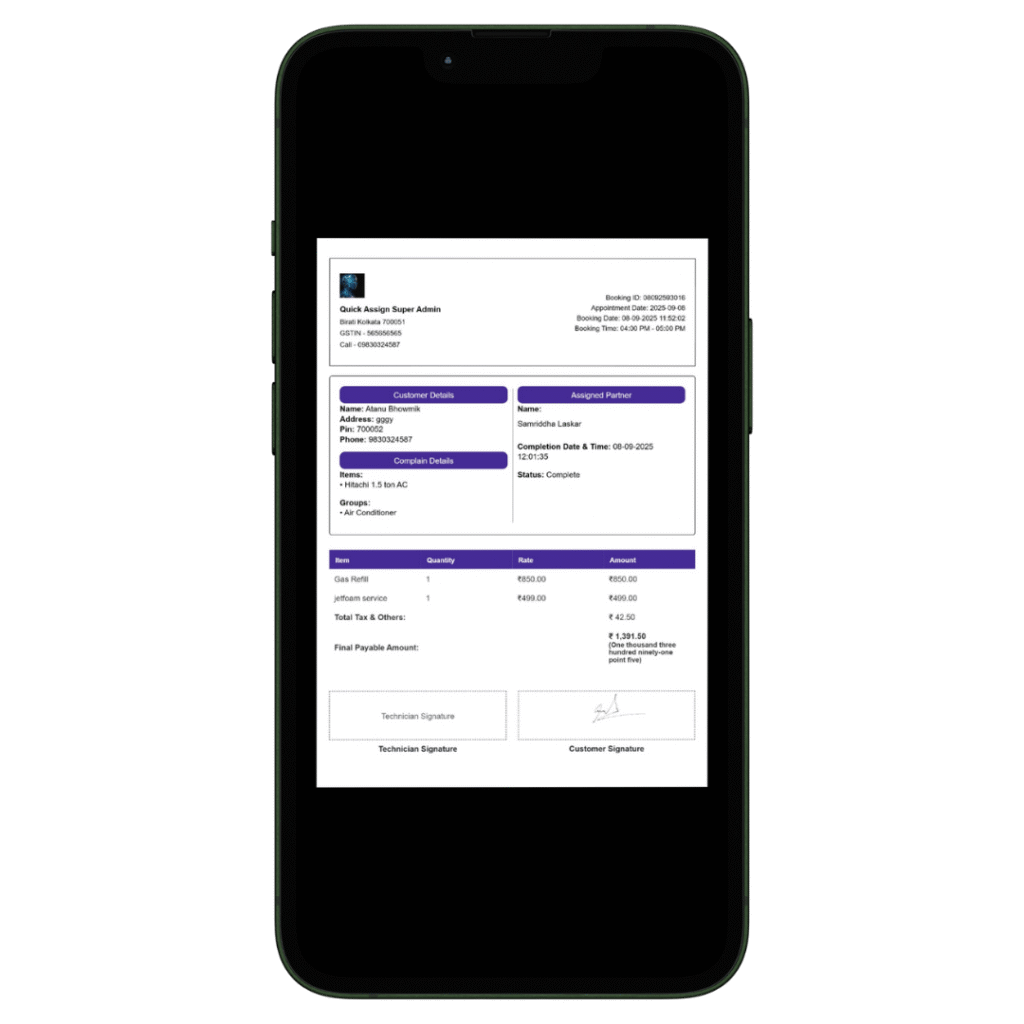
Billing and Invoicing
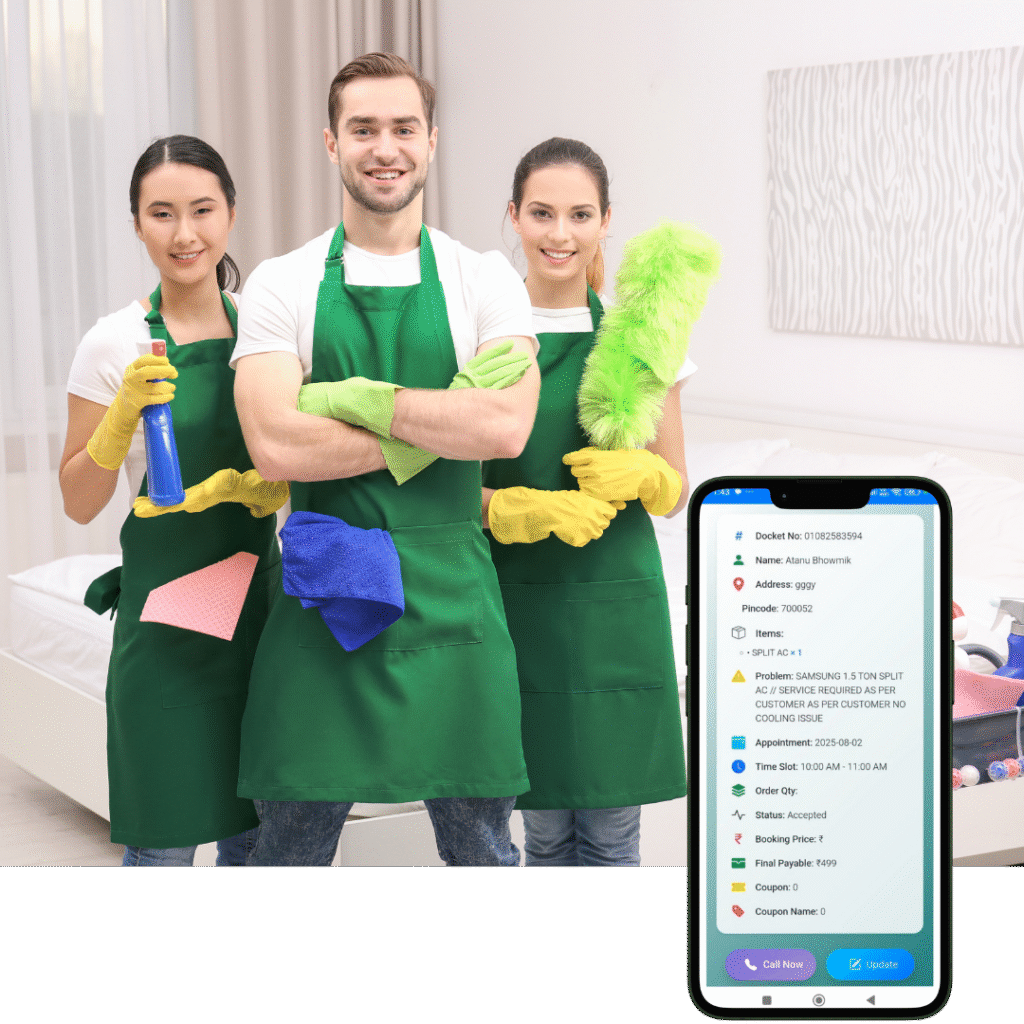
Make managing your home cleaning business effortless with our robust Home Cleaning Service Management Software – Quick Assign Service CRM. Handle appointments, team coordination, and client communication seamlessly in one centralized platform for improved efficiency.
Home Cleaning Service Software empowers service providers to deliver top-tier, reliable services while boosting customer satisfaction and expanding their business through optimized workflows and better engagement.
Streamline Your Cleaning Business with Home Cleaning CRM Software:
Using our Home Cleaning CRM, you can simplify job scheduling, oversee customer details, manage inventory and spare parts, and monitor payments with ease. Send automated alerts, maximize team productivity, and elevate client satisfaction — all from a user-friendly interface.
Searching for software for your cleaning business? You’re in the right place.
Quick Assign Service CRM is one of the top-rated CRM tools for cleaning companies. We offer affordable, customizable cleaning business software tailored to your business needs.
Book your free demo today!

Service History Tracking

Reporting and Analytics

Mobile Accessibility

Customer Database

Contract Management

Data Security

Service Request Management

Compliance & Regulatory Reporting

Knowledge Base
How Quick Assign Service CRM Works?

Client Calls
A client calls in, wants wants to clean their yard!
When a new client reaches out for immediate service, quick action matters. With our Cleaning Service Software, you’re always ready to help at the right time.

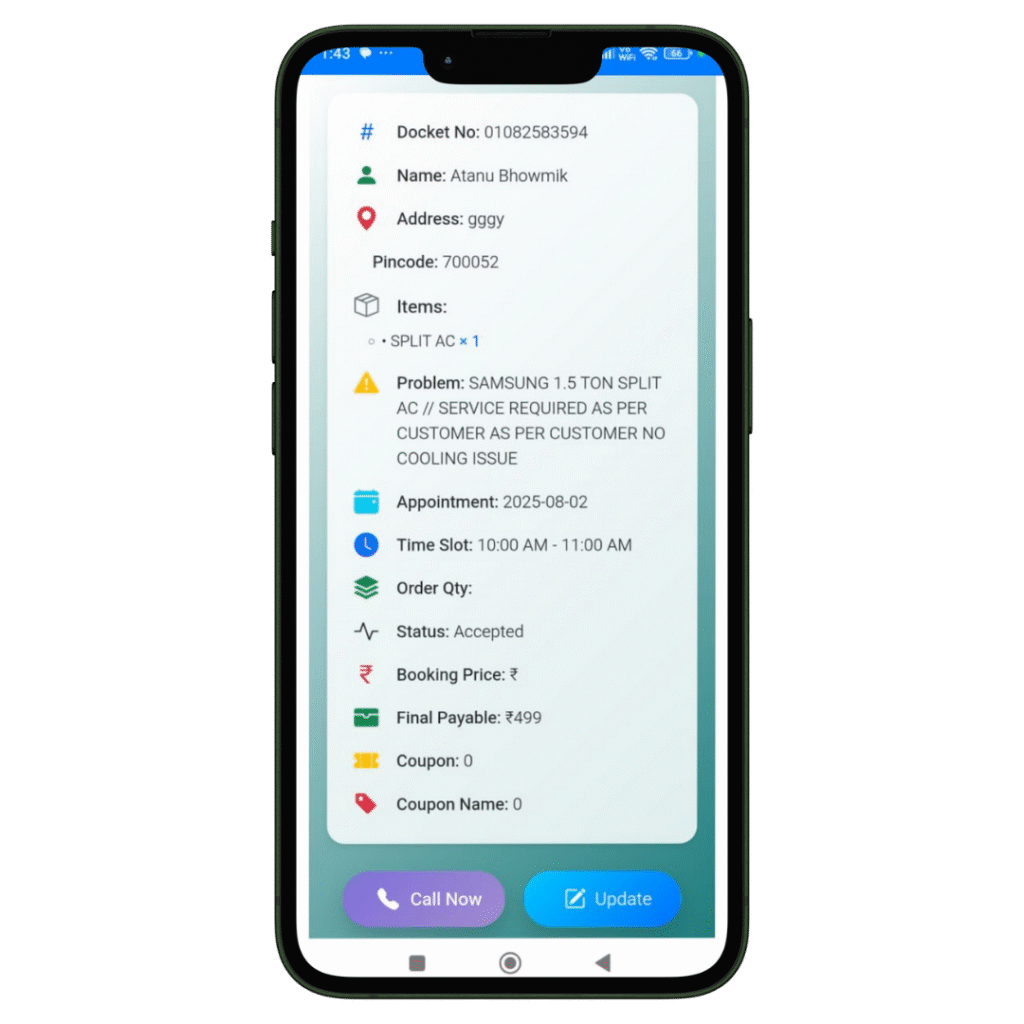
Job Created
The registration of the Job and Client details will be done in our software named Quick Assign Service CRM.
Rather than noting down Job and Client details in a bulky diary, you can enter the information directly into the software—making your work more dependable and environmentally friendly.

Scheduling
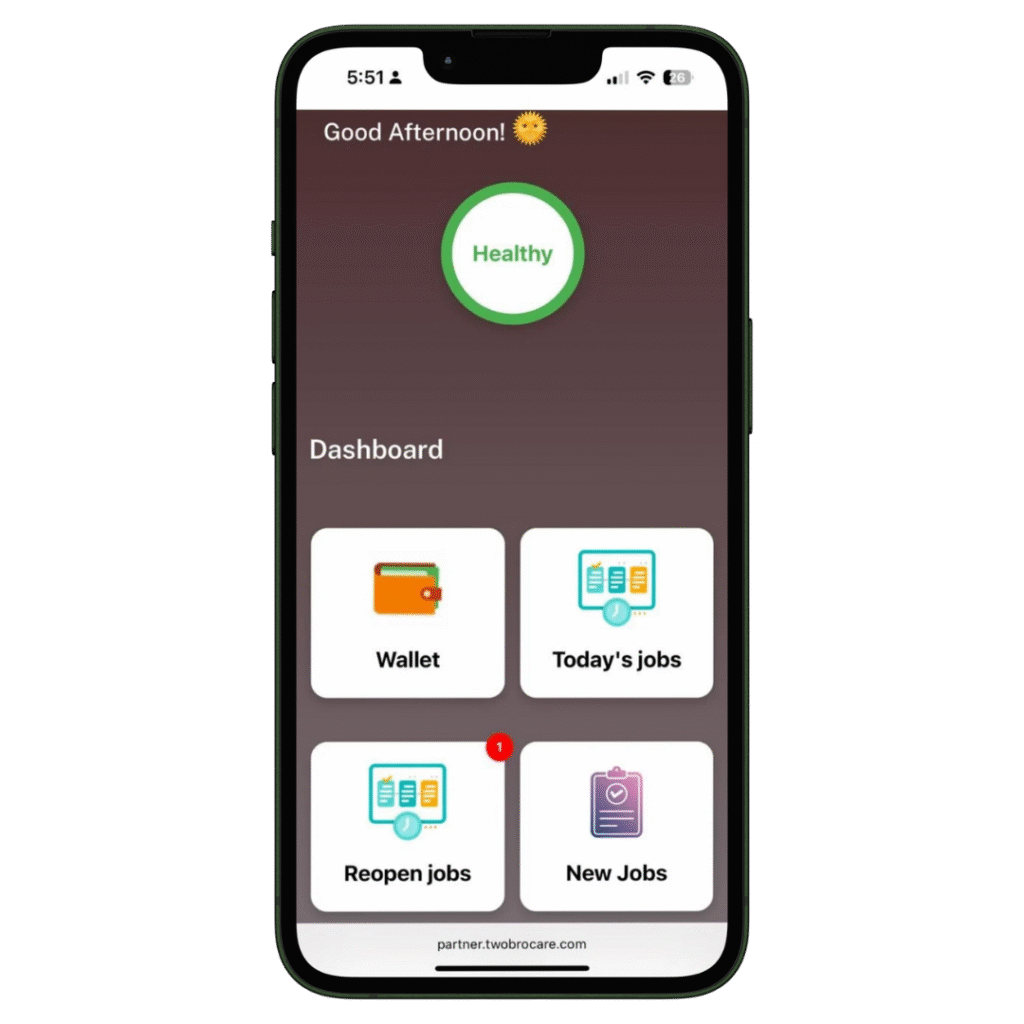
The job is scheduled for the Field Engineer.
The HVAC-trained field engineer immediately receives a notification that a new job has been assigned. With our HVAC software, you can also send automated messages to the customer regarding job initiation and completion. Additionally, clients can view the technician’s photo—an added feature that enhances home security.
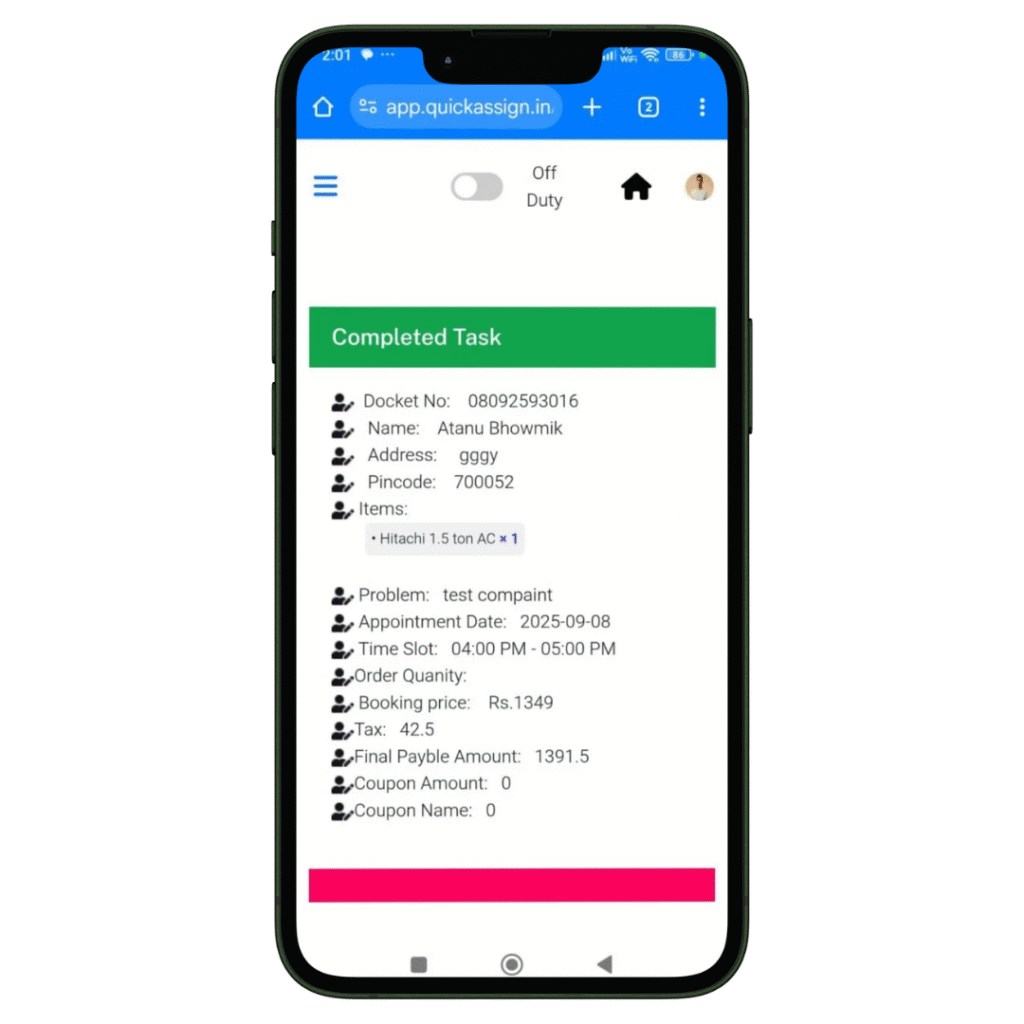
Complete Job
Your HVAC technician views the job details and completes them-
- Access to all job details on site.
- Record the photos of the machine or spare parts he installed or repaired.
- Collect client sign-off for the work digitally which removes the paperwork completed.

Invoice
Your HVAC technician can then add labour charges and spare parts he changed, to produce an invoice.
- Add spare parts with their updated prices.
- Add the labour and service charges.
- Construct a professionally branded invoice which will be updated in software automatically.
- Provide the soft-copy of the invoice to the client via whatsapp.