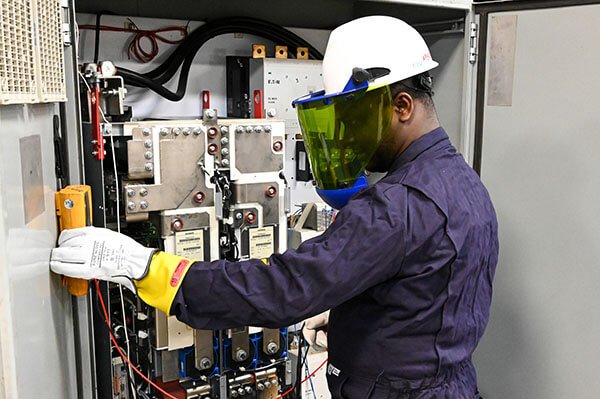

Heavy Equipment Management Software to efficiently track, evaluate, and enhance Equipment Efficiency.
Industrial Maintenance Software – A critical solution to streamline operations and boost technician efficiency
Heavy equipment maintenance software plays a crucial role for equipment manufacturers and companies that depend on the reliable operation of heavy machinery. A CMMS Maintenance Software typically offers a comprehensive set of tools to help users manage and schedule maintenance activities, track equipment performance, and create detailed reports.
This type of Industrial Maintenance Software also helps notify users when servicing or repairs are due, ensuring timely maintenance and avoiding costly breakdowns. Moreover, Heavy Equipment Service Software includes essential modules such as AMC Management, Inventory Control, Ticket Management, and more — all designed to optimize workflows and enhance overall efficiency.
Choosing to implement heavy equipment maintenance software is a strategic investment for any business aiming to maximize equipment uptime and minimize operational disruptions. By delivering real-time insights and automated service reminders, Industrial Maintenance Software enables maintenance teams to take proactive steps and make smart, data-driven decisions.
Ultimately, this leads to increased productivity, lower maintenance costs, and a better return on investment for your heavy equipment assets.
Enhance equipment reliability and cut down on unexpected failures with the powerful Quick Assign Service CRM. Schedule preventive maintenance, manage customer information, oversee work orders, and efficiently handle spare parts inventory. Keep your operations running smoothly with real-time monitoring, intelligent alerts, and more.
Key Features of Heavy Equipment Maintenance Software
Heavy Equipment Maintenance Software Service CRM is built to efficiently handle and simplify the upkeep of heavy machinery and equipment used across sectors such as construction, mining, and agriculture. The core capabilities of this type of software typically include:

Appointment Scheduling

Technician Dispatch

Asset Management

Preventive Maintenance

Inventory Management

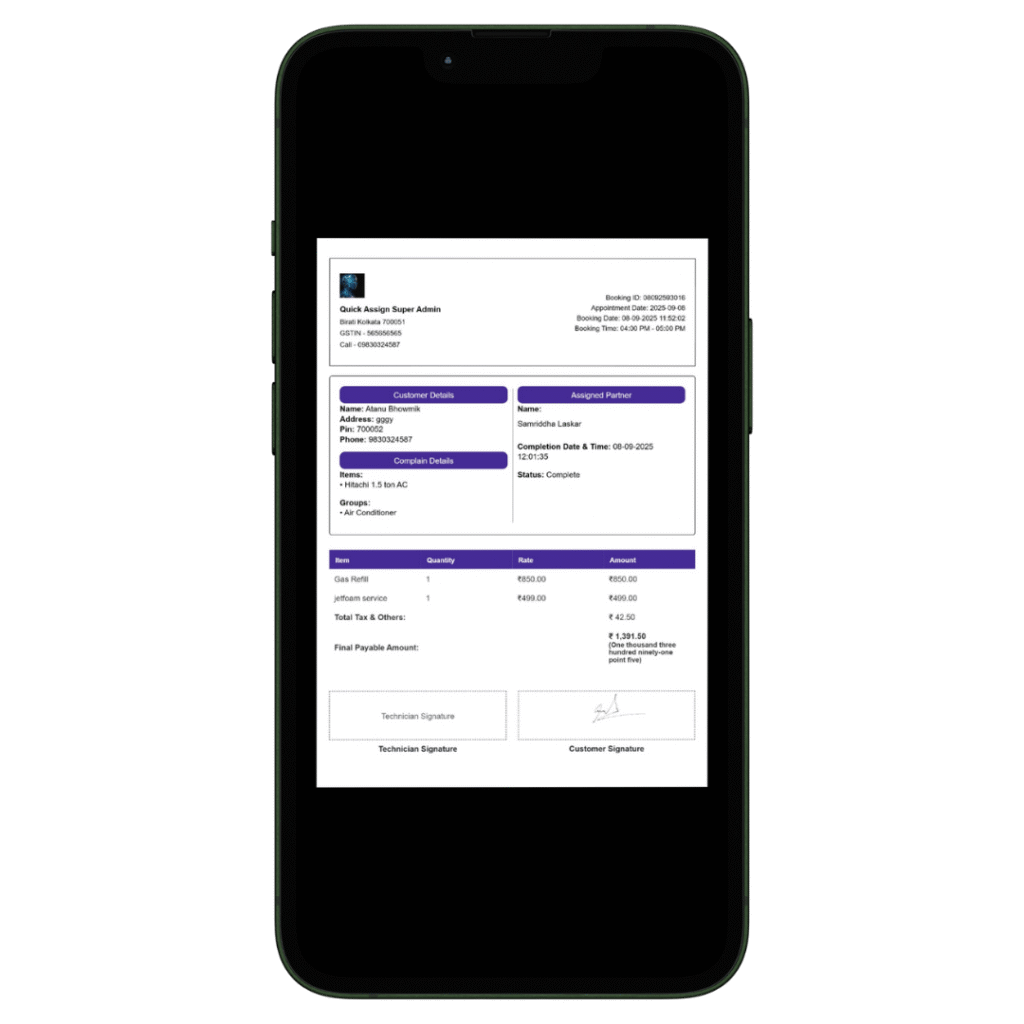
Billing and Invoicing

Heavy Equipment Maintenance Software Service CRM supports industries that rely on heavy machinery by streamlining maintenance workflows, enhancing equipment efficiency, and meeting compliance requirements — all while minimizing downtime and cutting operational expenses.

Service History Tracking

Reporting and Analytics

Mobile Accessibility

Customer Database

Contract Management

Data Security

Service Request Management

Compliance & Regulatory Reporting

Knowledge Base
How Quick Assign Service CRM Works?

Client Calls
A customer reaches out, requesting the installation of a Lathe Machine used in manufacturing.
A new client needs your service urgently — so why delay the response? With our Industrial Maintenance Service Software, you’re empowered to assist your clients exactly when it’s most convenient for them.

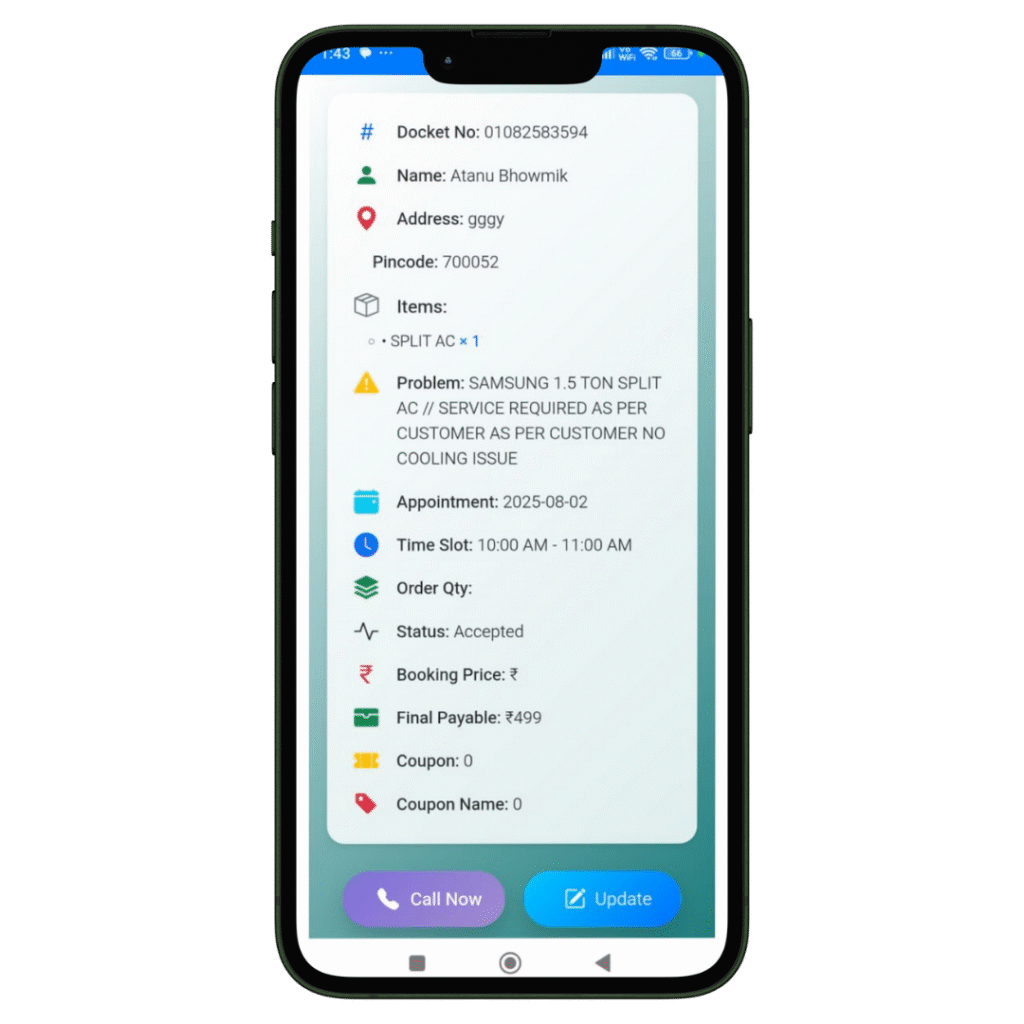
Job Created
The registration of the Job and Client details will be done in our software named Quick Assign Service CRM.
Rather than noting down Job and Client details in a bulky diary, you can enter the information directly into the software—making your work more dependable and environmentally friendly.

Scheduling
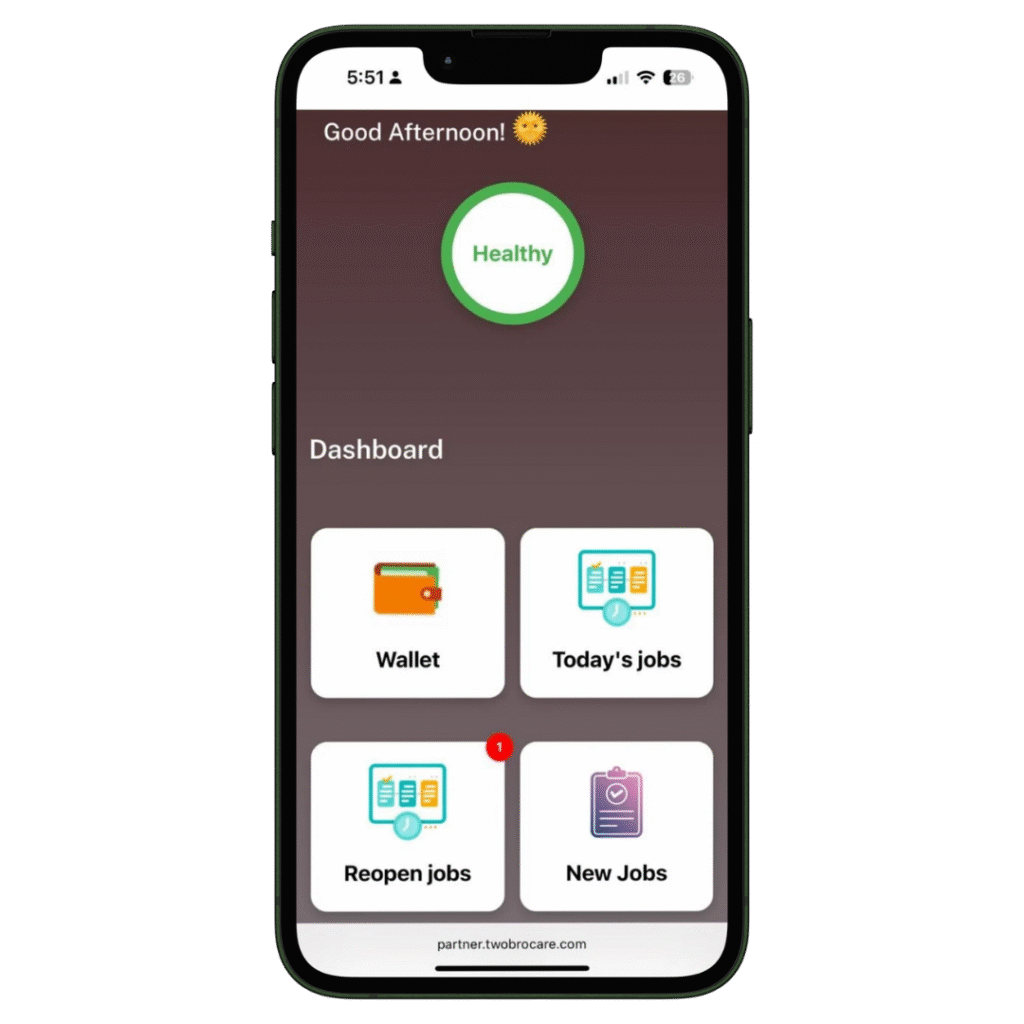
The job is scheduled for the Field Engineer.
The HVAC-trained field engineer immediately receives a notification that a new job has been assigned. With our HVAC software, you can also send automated messages to the customer regarding job initiation and completion. Additionally, clients can view the technician’s photo—an added feature that enhances home security.
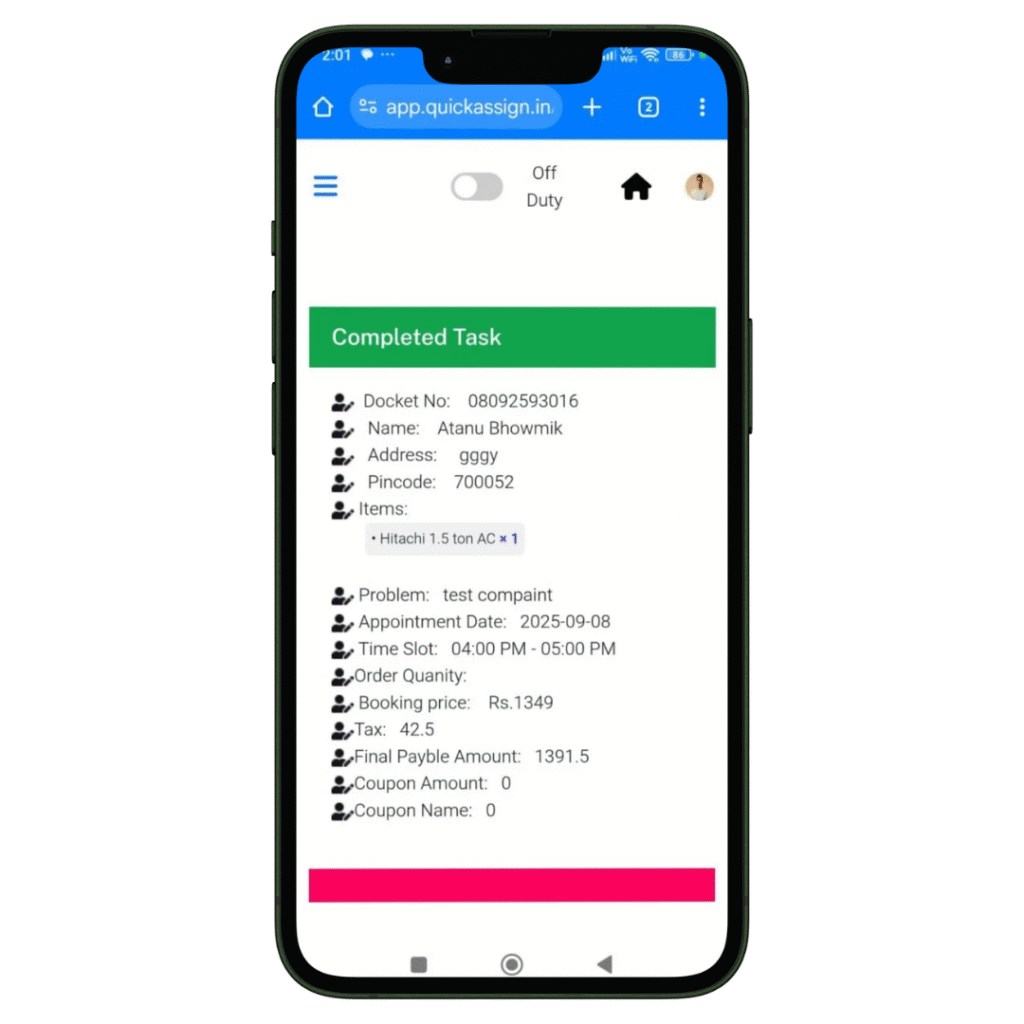
Complete Job
Your HVAC technician views the job details and completes them-
- Access to all job details on site.
- Record the photos of the machine or spare parts he installed or repaired.
- Collect client sign-off for the work digitally which removes the paperwork completed.

Invoice
Your HVAC technician can then add labour charges and spare parts he changed, to produce an invoice.
- Add spare parts with their updated prices.
- Add the labour and service charges.
- Construct a professionally branded invoice which will be updated in software automatically.
- Provide the soft-copy of the invoice to the client via whatsapp.