
Skip to content

Best Field Service Software for Solar, Battery, Inverter and UPS Service Business

Efficient Service Management Software for the Solar Service Sector

Solar Field Service Software offers an innovative solution that enables solar companies to effortlessly manage their field service operations. With Quick Assign Service CRM, solar businesses can efficiently handle their AMC, installations, maintenance, and repairs all within a single, user-friendly platform. The software allows you to monitor every installation, warranty, and maintenance schedule with ease.

This Field Service Management Software for Energy also helps manage all customer interactions, from initial inquiry through to project completion. By utilizing Solar Field Service Software, you can optimize your solar business to become more efficient, profitable, and sustainable.

If you’re seeking ways to boost the productivity of your solar field service operations, solar field service software is the solution. Designed to simplify your installation, maintenance, and repair workflows, it includes advanced features such as real-time monitoring, predictive maintenance, and remote diagnostics, ensuring your solar systems consistently operate at their best.

Below are the key features of Solar Service Business Software Service CRM:

Appointment Scheduling
Technician Dispatch
Asset Management
Preventive Maintenance
Inventory Management
Billing and Invoicing

Automate your entire solar service business with Field Service Management Software: One of the major benefits of field service software is its ability to efficiently manage various systems such as Inverters, Batteries, and UPS systems. By monitoring the energy levels and performance of these essential components, you can avoid downtime and ensure your solar systems consistently run at maximum efficiency. Furthermore, a solar field service software solution can help optimize energy consumption and lower overall energy expenses, saving you money and enhancing your profitability.

Service History Tracking
Reporting and Analytics
Mobile Accessibility
Customer Database
Contract Management
Data Security
Service Request Management
Compliance & Regulatory Reporting
Knowledge Base

How Quick Assign Service CRM Works?

Client Calls

A client calls requesting a new office close to their local area.
You have a new client seeking your service urgently—so why not reach out to them right away? By using our Facility & Property Management Service Software, you gain the advantage of supporting your clients at the time that suits them best.

Job Created

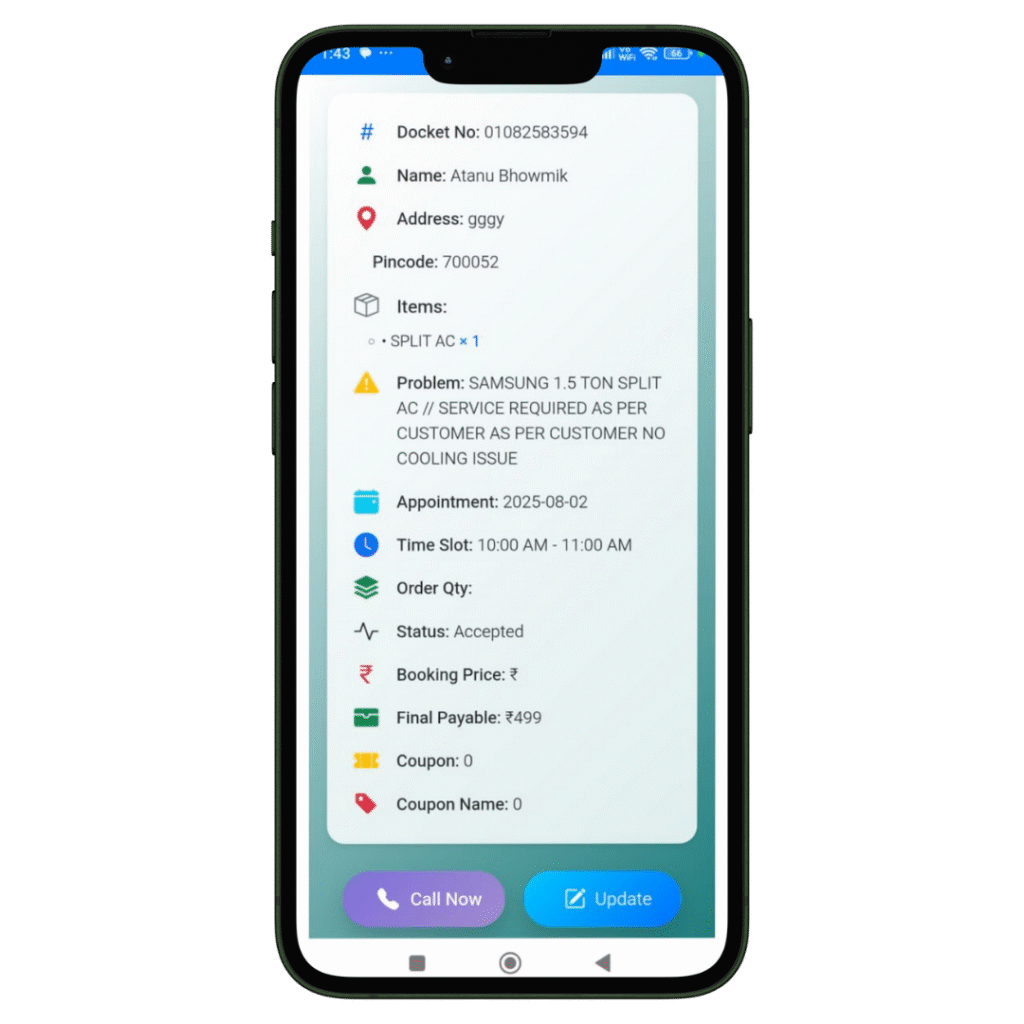
The registration of the Job and Client details will be done in our software named Quick Assign Service CRM.
Rather than noting down Job and Client details in a bulky diary, you can enter the information directly into the software—making your work more dependable and environmentally friendly.

Scheduling

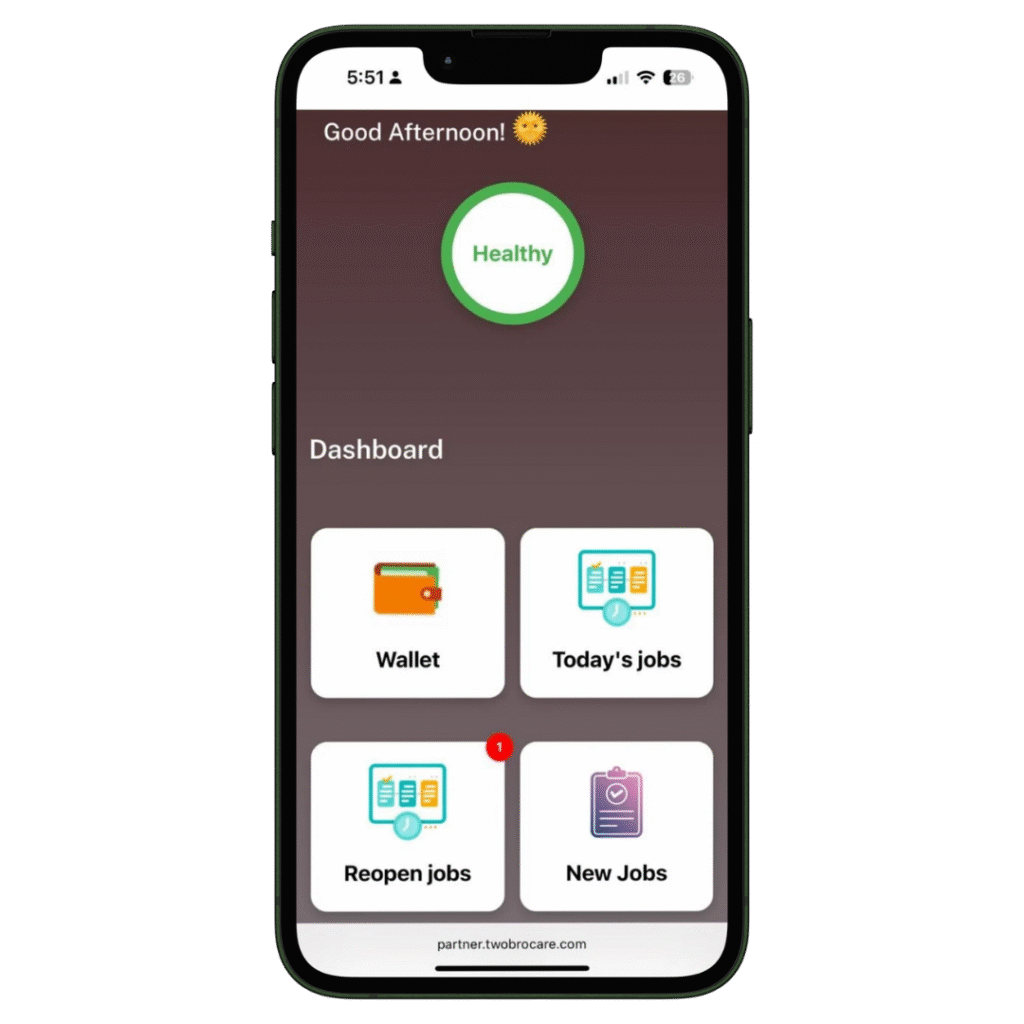
The job is scheduled for the Field Engineer.
The HVAC-trained field engineer immediately receives a notification that a new job has been assigned. With our HVAC software, you can also send automated messages to the customer regarding job initiation and completion. Additionally, clients can view the technician’s photo—an added feature that enhances home security.
Complete Job

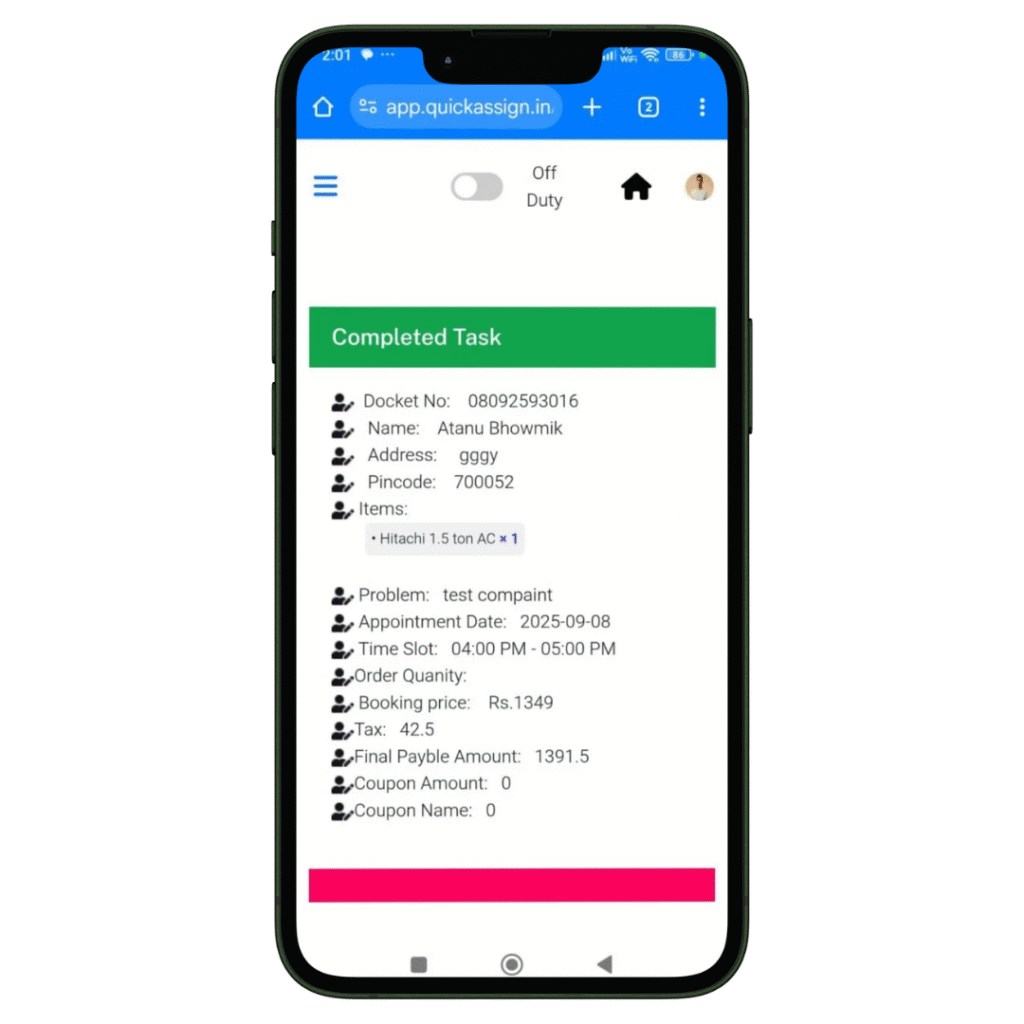
Your HVAC technician views the job details and completes them-

  • Access to all job details on site.
  • Record the photos of the machine or spare parts he installed or repaired.
  • Collect client sign-off for the work digitally which removes the paperwork completed.

Invoice

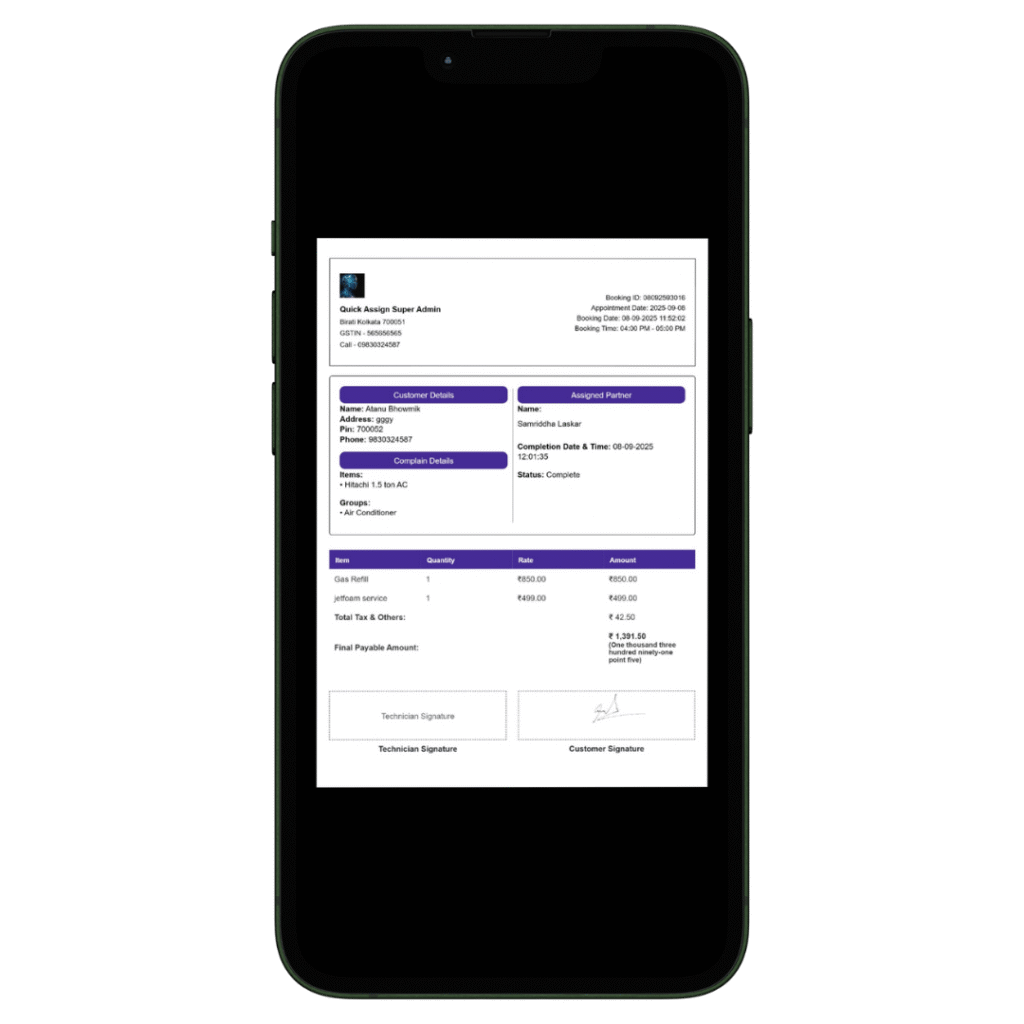
Your HVAC technician can then add labour charges and spare parts he changed, to produce an invoice.

  • Add spare parts with their updated prices.
  • Add the labour and service charges.
  • Construct a professionally branded invoice which will be updated in software automatically.
  • Provide the soft-copy of the invoice to the client via whatsapp.