
Skip to content

Transform Your IT Operations with Leading IT Service Management Software

Computer Service Repair Software designed to optimize ticket management, minimize downtime, and enhance service quality.

IT Service Management Software is a transformative solution for IT computer businesses that depend heavily on technology to operate smoothly. It serves as a robust platform that enables organizations to manage their IT services both efficiently and effectively. This software automates every aspect of IT service management—from ticket creation and incident handling to issue resolution and change control. By using IT Service Maintenance Management Software, companies can optimize their IT workflows, cut down on downtime, and enhance the overall user experience. It offers a unified platform to oversee all IT-related activities, simplifying collaboration across teams. Service CRM stands out as the top choice for IT Service Maintenance Software. Moreover, it empowers businesses to track and monitor IT services in real-time, offering valuable data and insights into the performance of their IT systems. In short, IT Service Management Software is essential for IT service providers aiming to stay ahead in today’s digital world.

As the demand for computer repair services continues to grow, having effective business management solutions has become more crucial than ever. Service CRM stands out as a perfect software solution for computer repair businesses looking to enhance their operations and elevate customer service. With features like appointment scheduling, inventory management, and invoicing, Quick Assign Service CRM helps businesses run smoothly while focusing on delivering high-quality repair services to their clients. In the end, integrating Service CRM as your computer repair business management software can significantly contribute to the success and expansion of any organization in the computer repair industry.

Key Features of IT Service Maintenance Software

Designed to organize and optimize IT service workflows, IT Service Maintenance Software handles equipment upkeep and service tasks efficiently. Key functionalities include:

Appointment Scheduling
Technician Dispatch
Asset Management
Preventive Maintenance
Inventory Management
Billing and Invoicing

With IT Service Maintenance Software, IT teams and service providers can streamline equipment management, address support issues quickly, and ensure optimal performance of IT systems.

Service History Tracking
Reporting and Analytics
Mobile Accessibility
Customer Database
Contract Management
Data Security
Service Request Management
Compliance & Regulatory Reporting
Knowledge Base

How Quick Assign Service CRM Works?

Client Calls

A client gets in touch, needing help recovering files from a broken hard disk!
You've just gained a new client who requires your service on priority—why not reach out immediately? Our IT & Computer Repair Service software allows you to support your customers exactly when they need it.

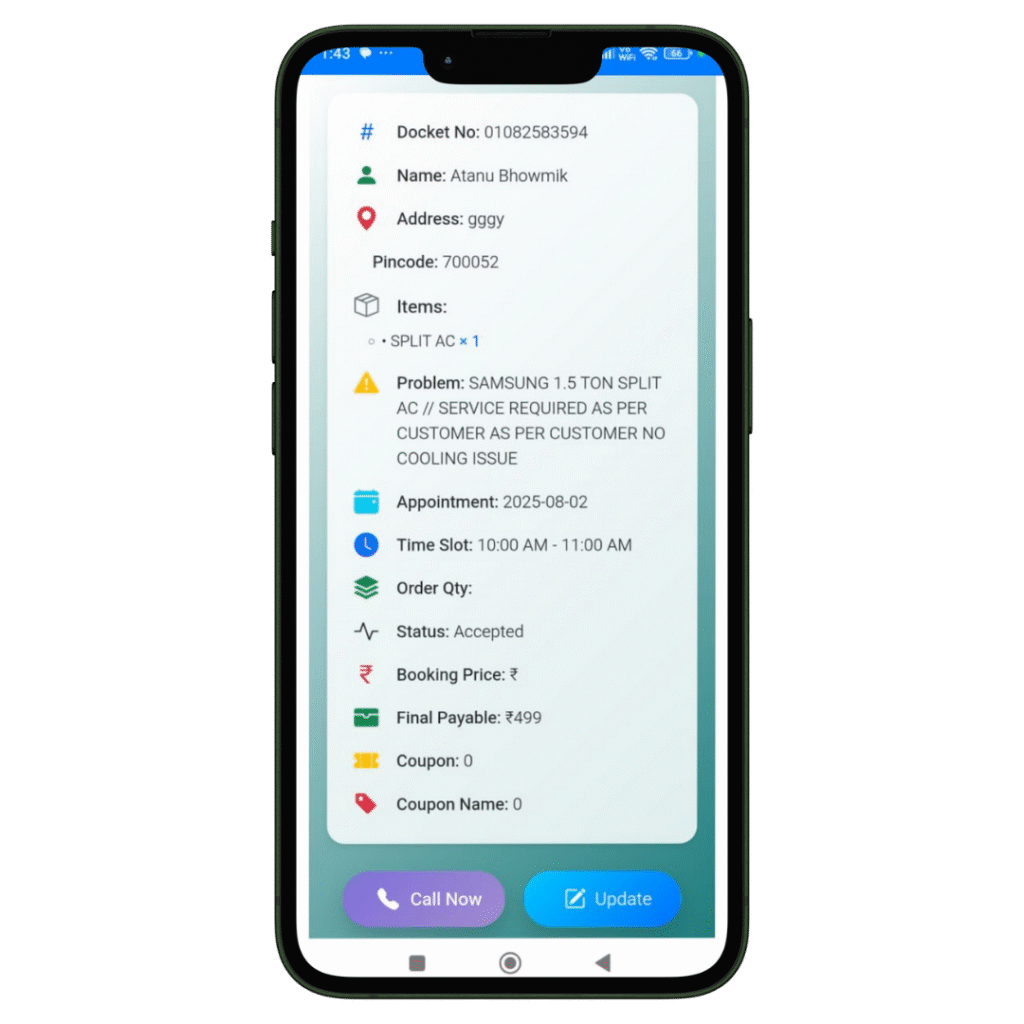
Job Created

The registration of the Job and Client details will be done in our software named Quick Assign Service CRM.
Rather than noting down Job and Client details in a bulky diary, you can enter the information directly into the software—making your work more dependable and environmentally friendly.

Scheduling

The job is scheduled for the Field Engineer.
The HVAC-trained field engineer immediately receives a notification that a new job has been assigned. With our HVAC software, you can also send automated messages to the customer regarding job initiation and completion. Additionally, clients can view the technician’s photo—an added feature that enhances home security.
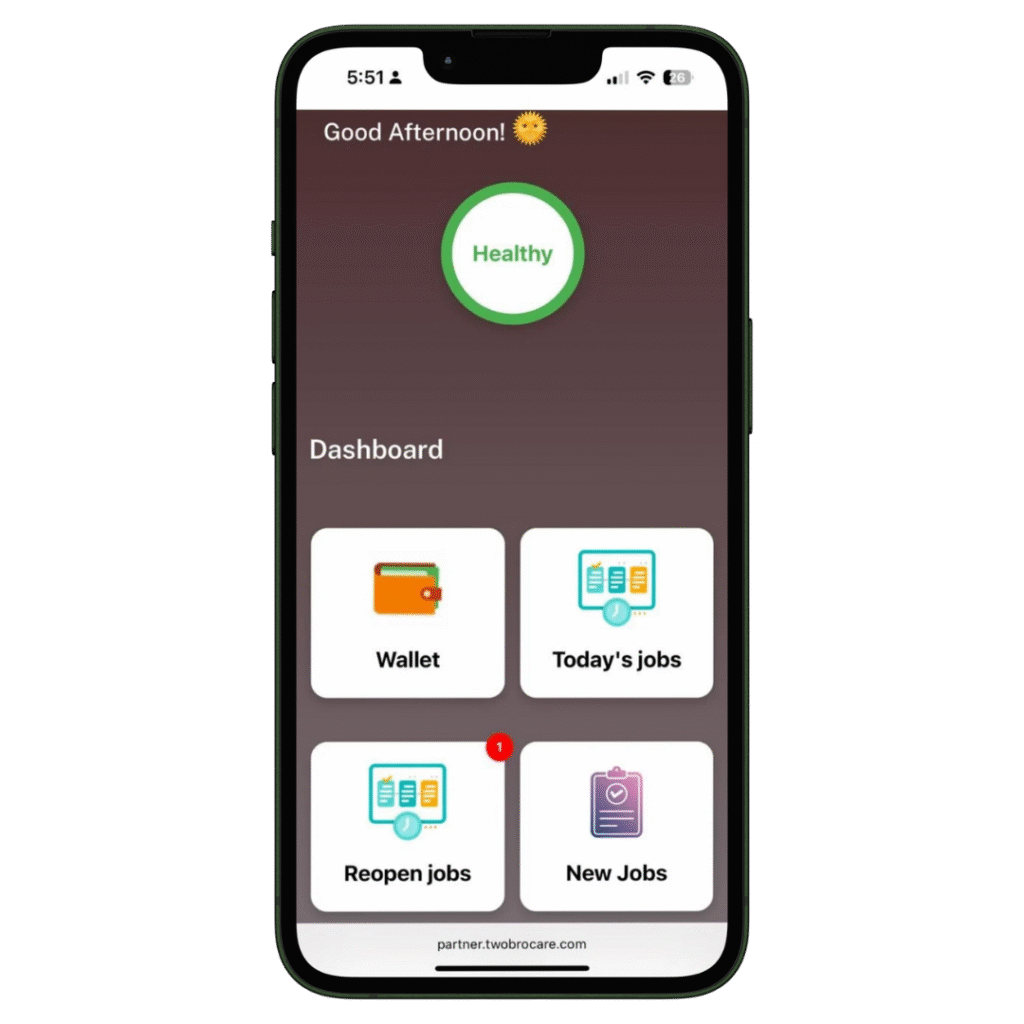
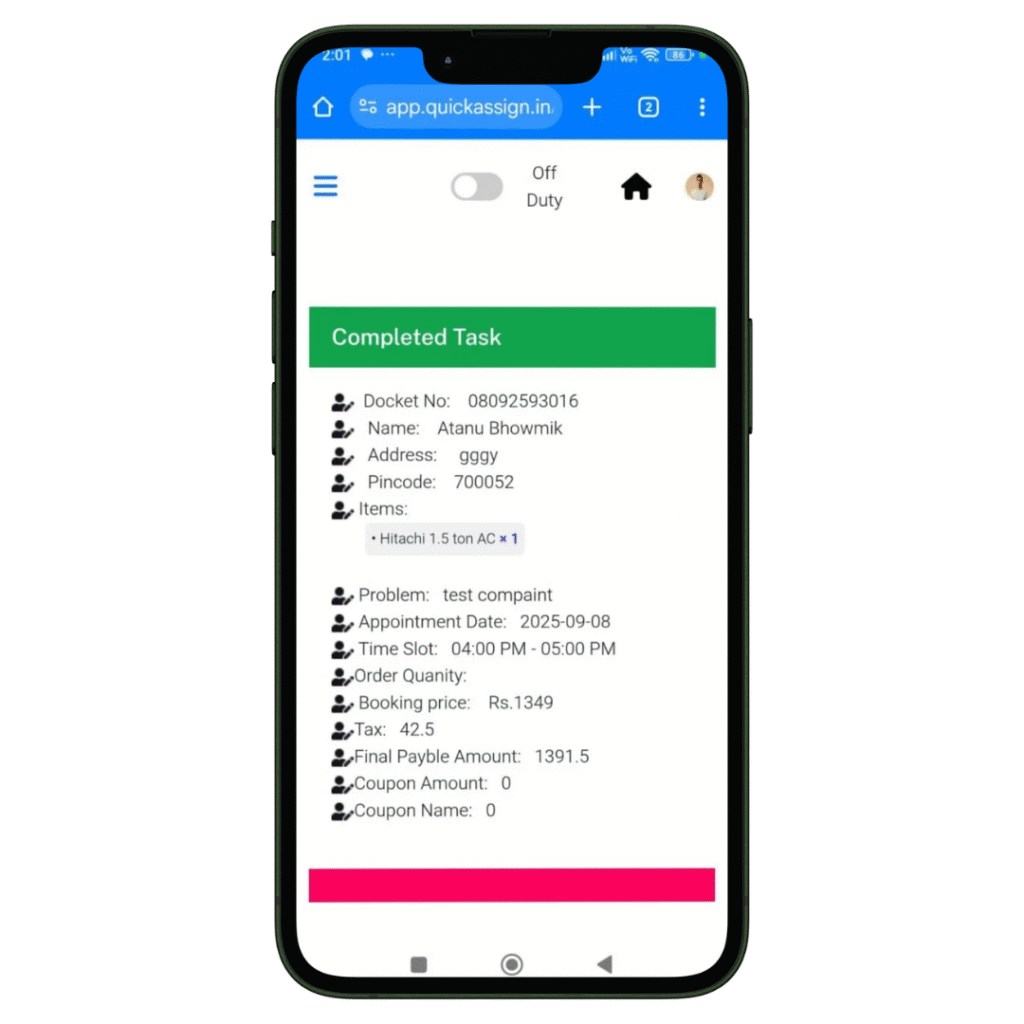
Complete Job

Your HVAC technician views the job details and completes them-

  • Access to all job details on site.
  • Record the photos of the machine or spare parts he installed or repaired.
  • Collect client sign-off for the work digitally which removes the paperwork completed.

Invoice

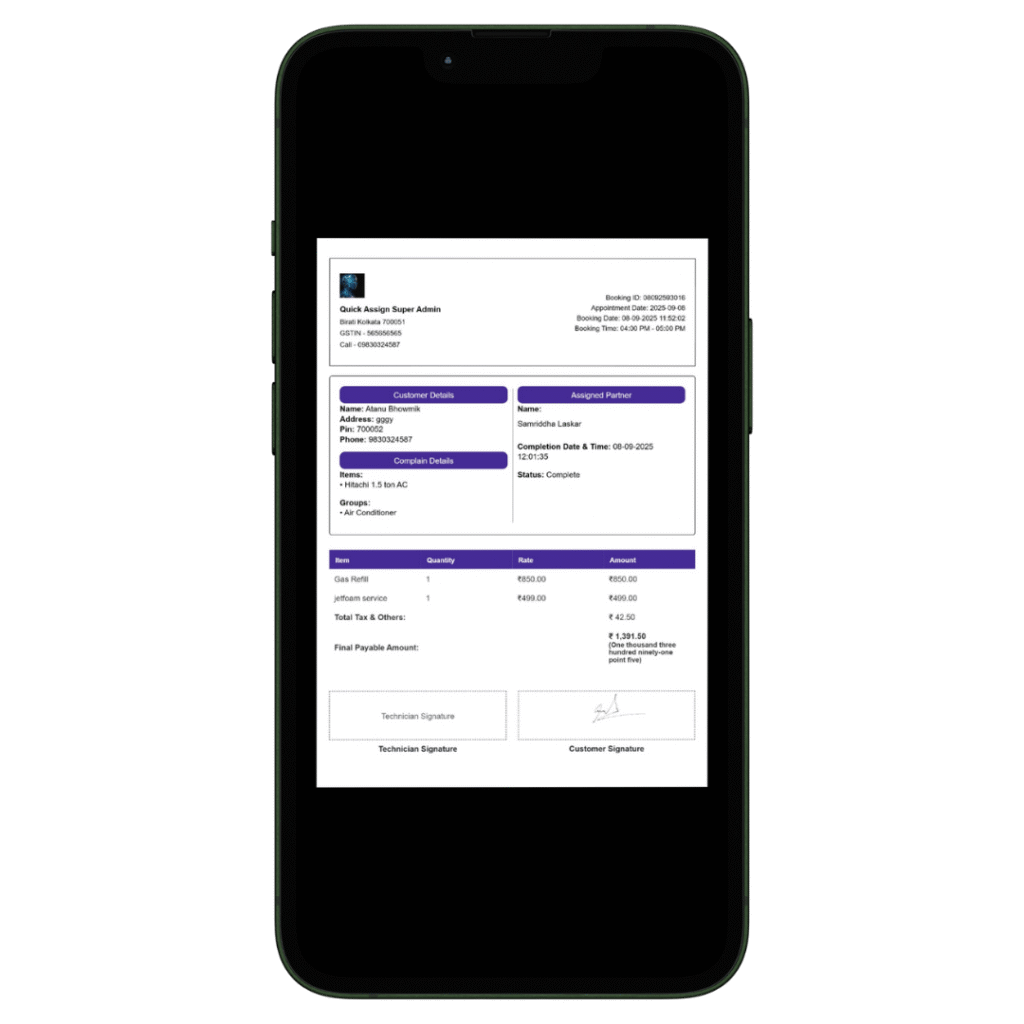
Your HVAC technician can then add labour charges and spare parts he changed, to produce an invoice.

  • Add spare parts with their updated prices.
  • Add the labour and service charges.
  • Construct a professionally branded invoice which will be updated in software automatically.
  • Provide the soft-copy of the invoice to the client via whatsapp.