
Skip to content

Transform your Healthcare Business with Leading Medical Equipment Maintenance Software

Streamline the Medical Equipment Service Management workflow with Quick Assign Service CRM

The significance of Medical Device Service Management Software is undeniable, as it plays a vital role in maintaining the efficient operation of healthcare facilities. With increasing reliance on technology, there is a rising need for advanced systems to manage critical medical equipment within healthcare environments. One effective solution to meet this demand is medical equipment maintenance software. This smart technology simplifies the monitoring, servicing, and upkeep of essential devices, helping ensure peak performance and extending their operational life.

In addition, a Medical Equipment Field Service Management System supports healthcare professionals by minimizing human errors, ensuring adherence to compliance regulations, and positively influencing the quality of patient care.

As medical technology continues to evolve, healthcare providers depend more than ever on reliable equipment to deliver top-tier care. That’s why adopting dependable Healthcare Equipment Maintenance Software is essential. These systems support the management of AMCs, Comprehensive AMCs, ticket handling, technician scheduling, and routine maintenance, keeping all medical devices in optimal working condition and ready when needed.

Easily monitor, service, and oversee all your critical devices using our intelligent Medical Equipment Management Software. Boost compliance, reduce downtime, and improve care delivery through advanced automation. Ensure smooth maintenance operations and stay audit-ready with the powerful Quick Assign Service CRM. Plan preventive maintenance, monitor AMC contracts, handle inventory, maintain detailed service histories, and manage warranties with precision — keeping every device safe and fully functional.

Key Features of Medical Equipment Management Software

Medical Equipment Management Software is developed to simplify and optimize the handling of medical devices within healthcare facilities. The main functionalities of this software typically include:

Appointment Scheduling
Technician Dispatch
Asset Management
Preventive Maintenance
Inventory Management
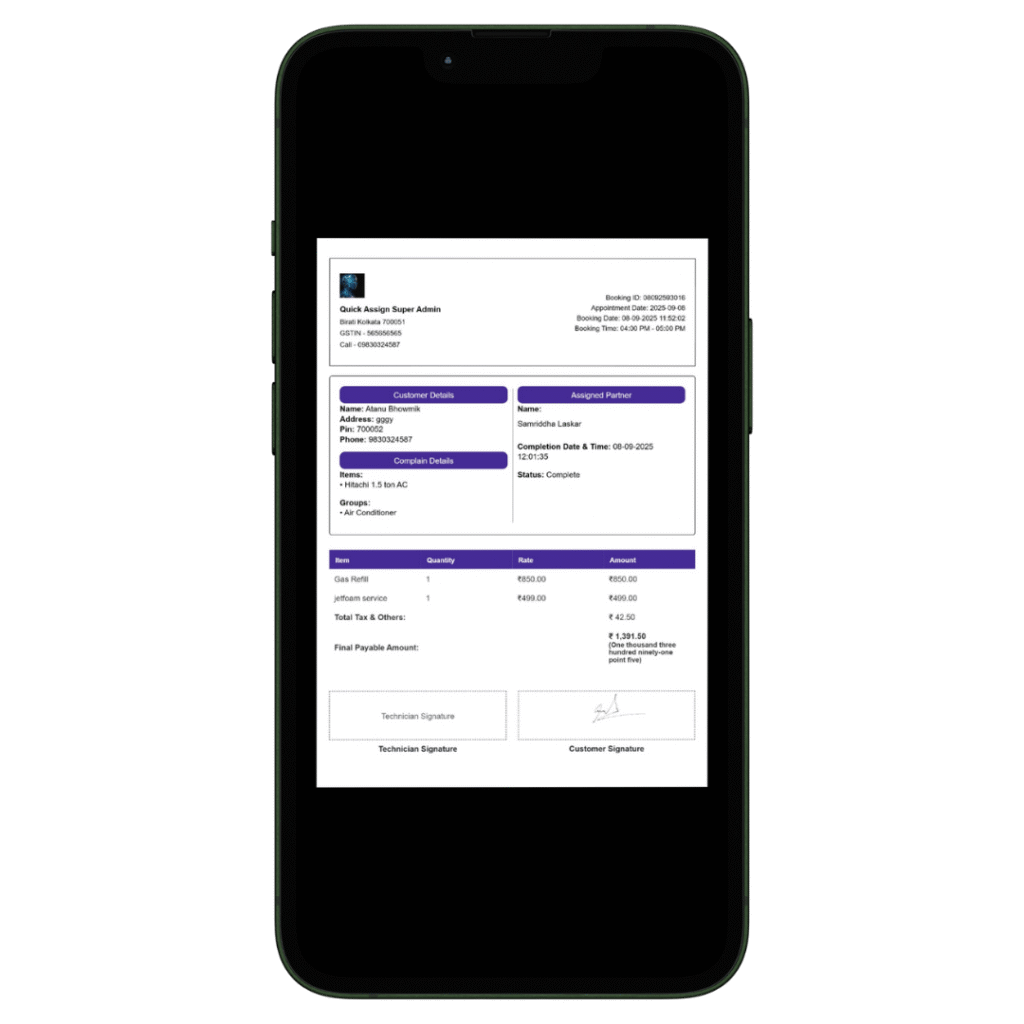
Billing and Invoicing

Advanced Medical Equipment Maintenance Software is Vital for Healthcare Providers: Maintain the smooth functioning of medical devices with automated maintenance planning. Access real-time data on equipment performance, manage work orders efficiently, and keep a complete record of service history. Ensure full compliance with healthcare regulations through in-depth reporting tools. Reduce equipment downtime and manage spare parts inventory effectively. Boost productivity with a unified dashboard for all medical maintenance activities.

Medical Equipment Management Software supports healthcare facilities in ensuring equipment reliability, meeting compliance requirements, enhancing patient safety, and simplifying equipment management processes.

Service History Tracking
Reporting and Analytics
Mobile Accessibility
Customer Database
Contract Management
Data Security
Service Request Management
Compliance & Regulatory Reporting
Knowledge Base

How Quick Assign Service CRM Works?

Client Calls

A customer contacts us, requesting repair services for the ventilation system and MRI machine in their hospital..
A new client has requested your service on an urgent basis — so why not reach out right away? By using our Medical Equipment Service Software, you can support your clients at the time that works best for them.

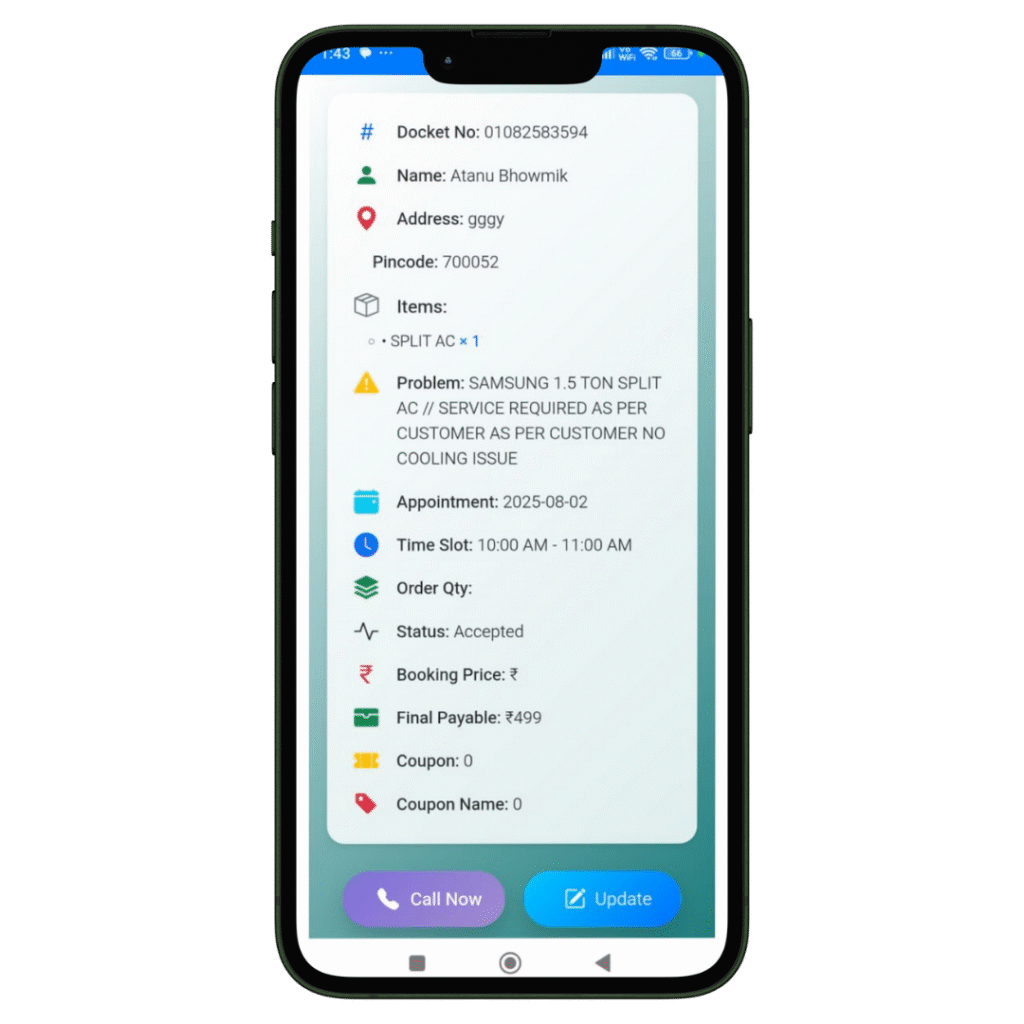
Job Created

The registration of the Job and Client details will be done in our software named Quick Assign Service CRM.
Rather than noting down Job and Client details in a bulky diary, you can enter the information directly into the software—making your work more dependable and environmentally friendly.

Scheduling

The job is scheduled for the Field Engineer.
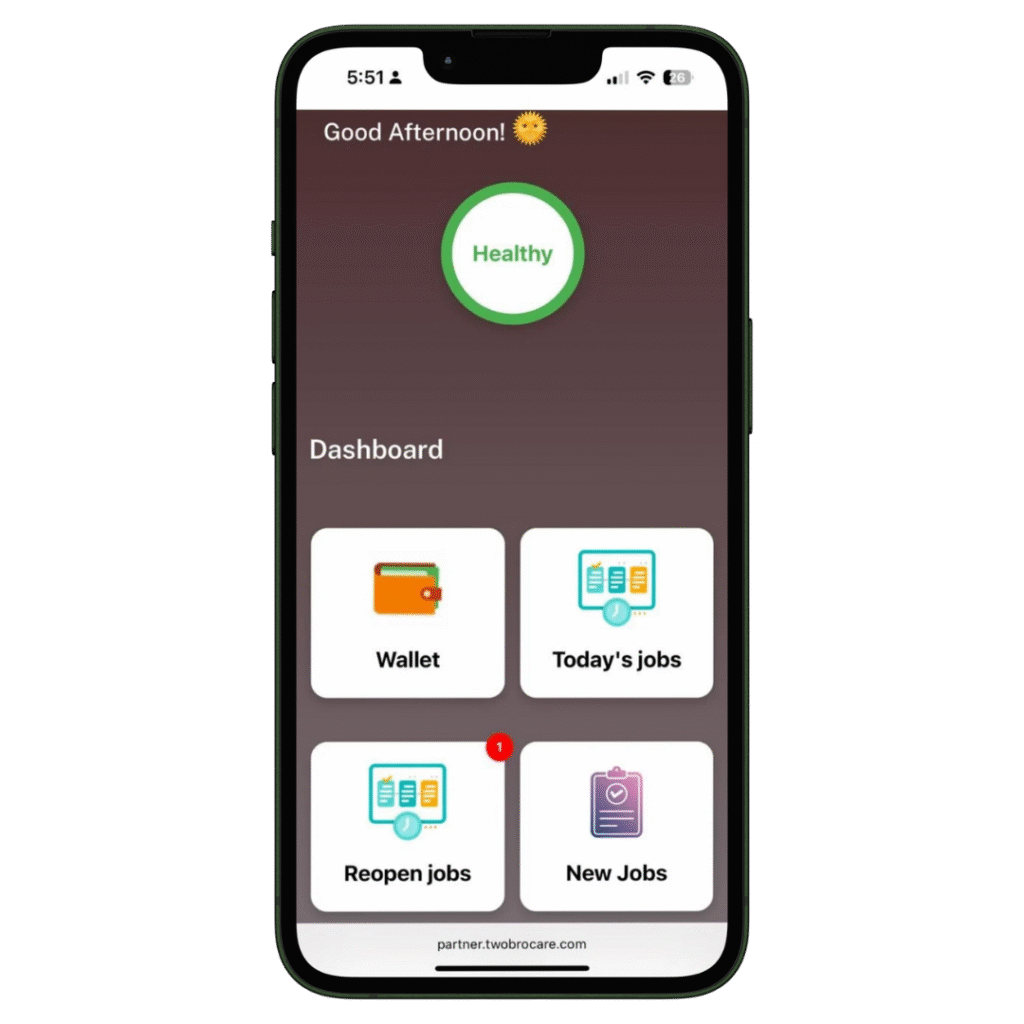
The HVAC-trained field engineer immediately receives a notification that a new job has been assigned. With our HVAC software, you can also send automated messages to the customer regarding job initiation and completion. Additionally, clients can view the technician’s photo—an added feature that enhances home security.
Complete Job

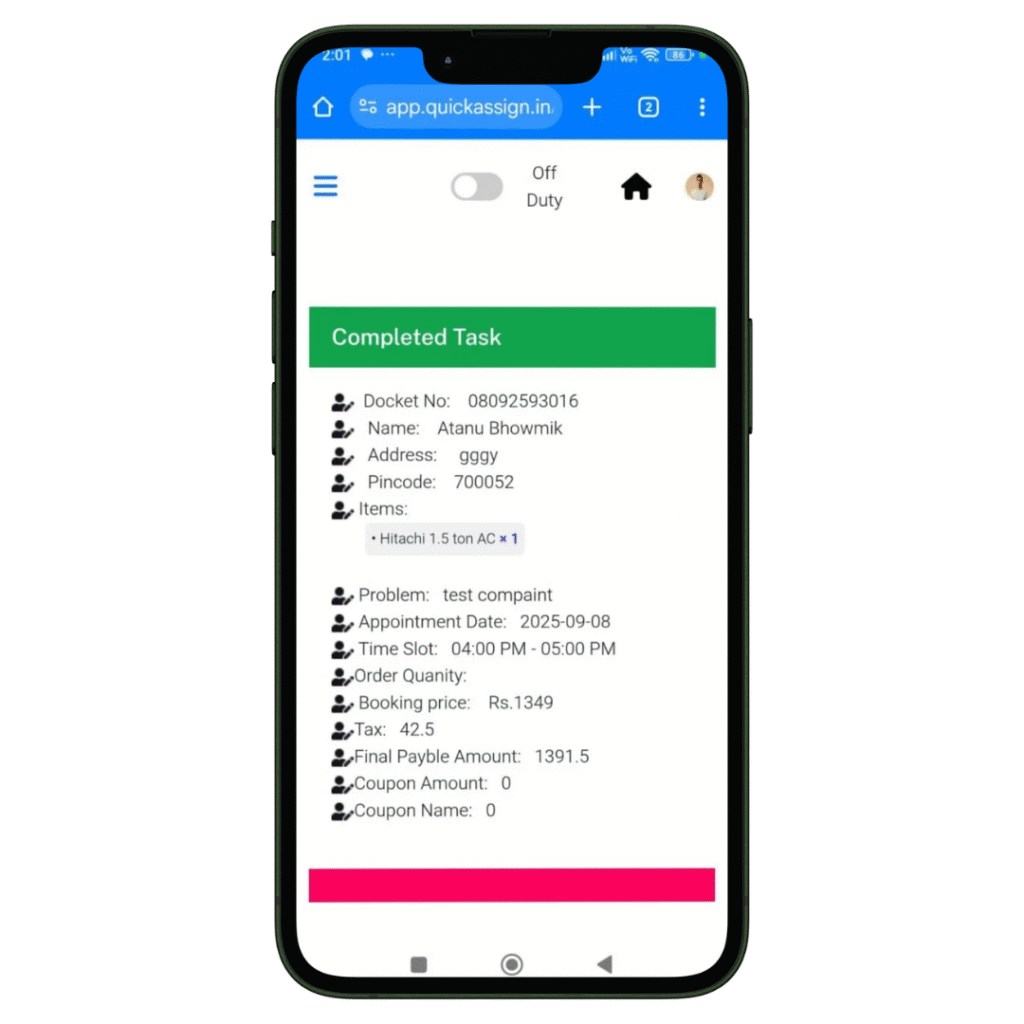
Your HVAC technician views the job details and completes them-

  • Access to all job details on site.
  • Record the photos of the machine or spare parts he installed or repaired.
  • Collect client sign-off for the work digitally which removes the paperwork completed.

Invoice

Your HVAC technician can then add labour charges and spare parts he changed, to produce an invoice.

  • Add spare parts with their updated prices.
  • Add the labour and service charges.
  • Construct a professionally branded invoice which will be updated in software automatically.
  • Provide the soft-copy of the invoice to the client via whatsapp.