
Skip to content

Best Pest Control Business Software Manage Schedule Smarter

All-in-One CRM Software Designed for Pest Control Service Providers

Pest Control Software has transformed how pest control companies manage their day-to-day operations. By simplifying tasks such as scheduling, technician tracking, and reporting, these systems help professionals achieve maximum operational efficiency. Enhanced data accuracy and real-time analytics have also greatly supported smarter decision-making. As a result, pest control providers can concentrate on delivering top-quality service while ensuring employee safety and regulatory compliance.

Take your pest control services to the next level with Quick Assign Service CRM – a powerful and feature-rich software. Easily schedule jobs, handle contract management, organize data, and monitor inventory. Increase your operational efficiency, improve customer satisfaction, and accelerate your business growth.

Simplify your pest control operations with an all-in-one CRM solution. Effortlessly manage service bookings, track field technicians, organize customer records, and automate service follow-ups. Deliver a seamless customer experience and scale your pest control business using Quick Assign Service CRM.

Searching for reliable Pest Control Management Software for your pest control company? You’re in the right place. Quick Assign Service CRM ranks among the top CRM solutions for pest control businesses. We provide customizable CRM software tailored to your business needs — all at competitive prices. Schedule your free demo today!

Key Features of Electrical Maintenance Software

Service CRM for Pest Control Business Software is built to simplify and enhance the operational workflow of pest control companies. Core functionalities of this software include:

Appointment Scheduling
Technician Dispatch
Asset Management
Preventive Maintenance
Inventory Management
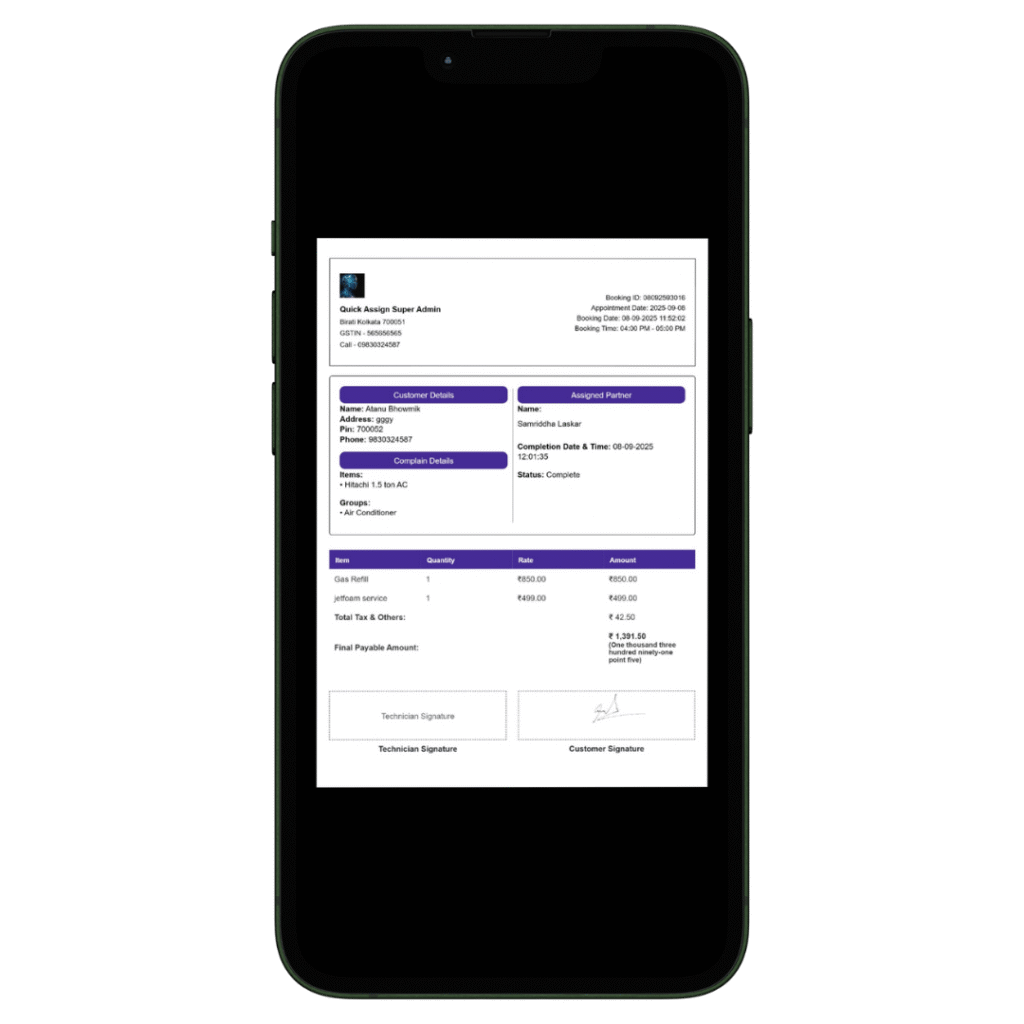
Billing and Invoicing
All-in-One Pest Control Business Management Solution:
Simplify your pest control operations with intelligent automation. Effortlessly manage job scheduling, monitor technician activity, handle customer bookings, view complete service histories, set AMC follow-up alerts, and automate invoice generation. Send timely notifications for recurring treatments and follow-ups. Improve route planning to reduce fuel usage, travel time, and operational costs. Keep an accurate record of chemicals, tools, and stock levels. Boost productivity and scale your pest control business with smart digital tools.

Take advantage of our all-inclusive pest control software to optimize every aspect of your pest treatment workflow. From appointment management to billing, streamline tasks and grow your business smarter.
Quick Assign Service CRM — the ideal Pest Control Business Software — helps pest control providers enhance their operations, deliver excellent customer service, comply with industry standards, and improve overall pest control efficiency.

Service History Tracking
Reporting and Analytics
Mobile Accessibility
Customer Database
Contract Management
Data Security
Service Request Management
Compliance & Regulatory Reporting
Knowledge Base

How Quick Assign Service CRM Works?

Client Calls

A customer contacts you, requesting help to get rid of an unwanted pest from their house, garage, or outdoor space!
A client just reached out for immediate pest control service—why delay? With our software, you’re ready to respond at the perfect time for them.

Job Created

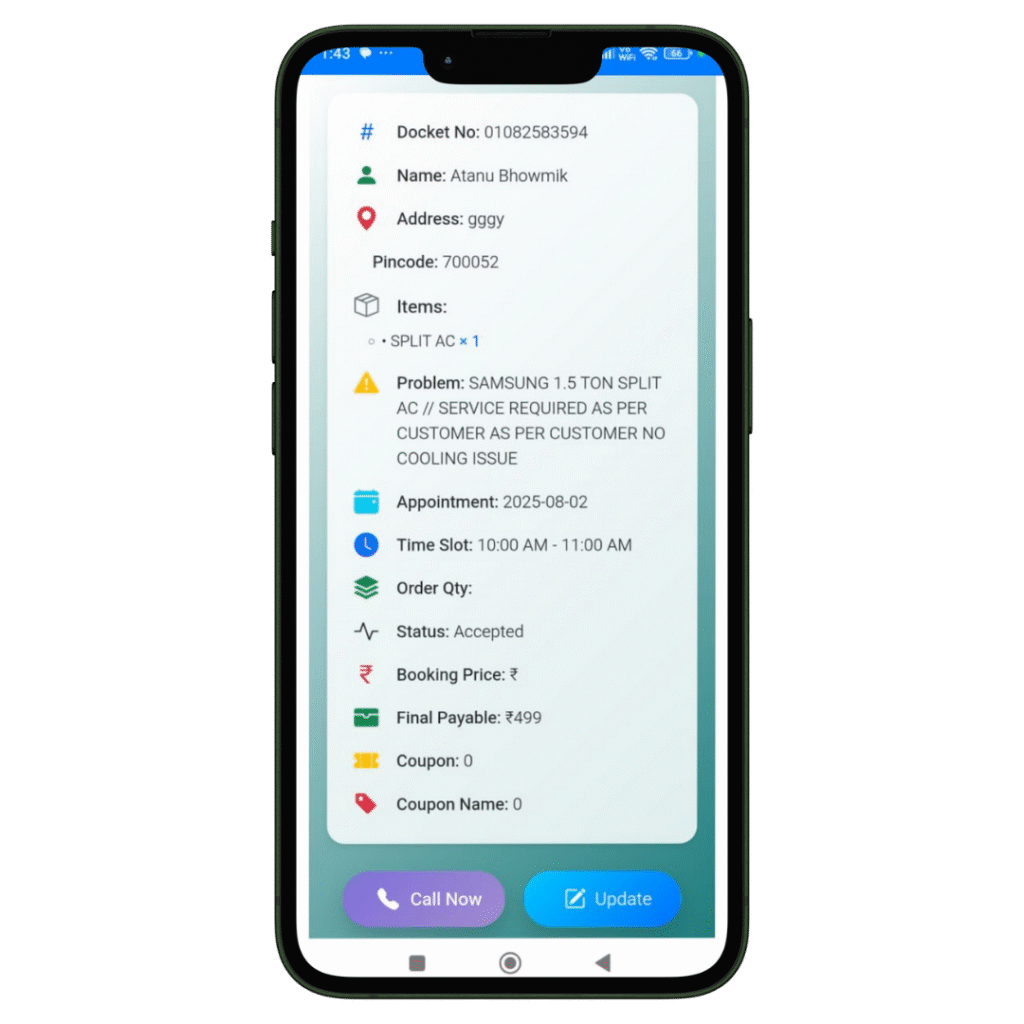
The registration of the Job and Client details will be done in our software named Quick Assign Service CRM.
Rather than noting down Job and Client details in a bulky diary, you can enter the information directly into the software—making your work more dependable and environmentally friendly.

Scheduling

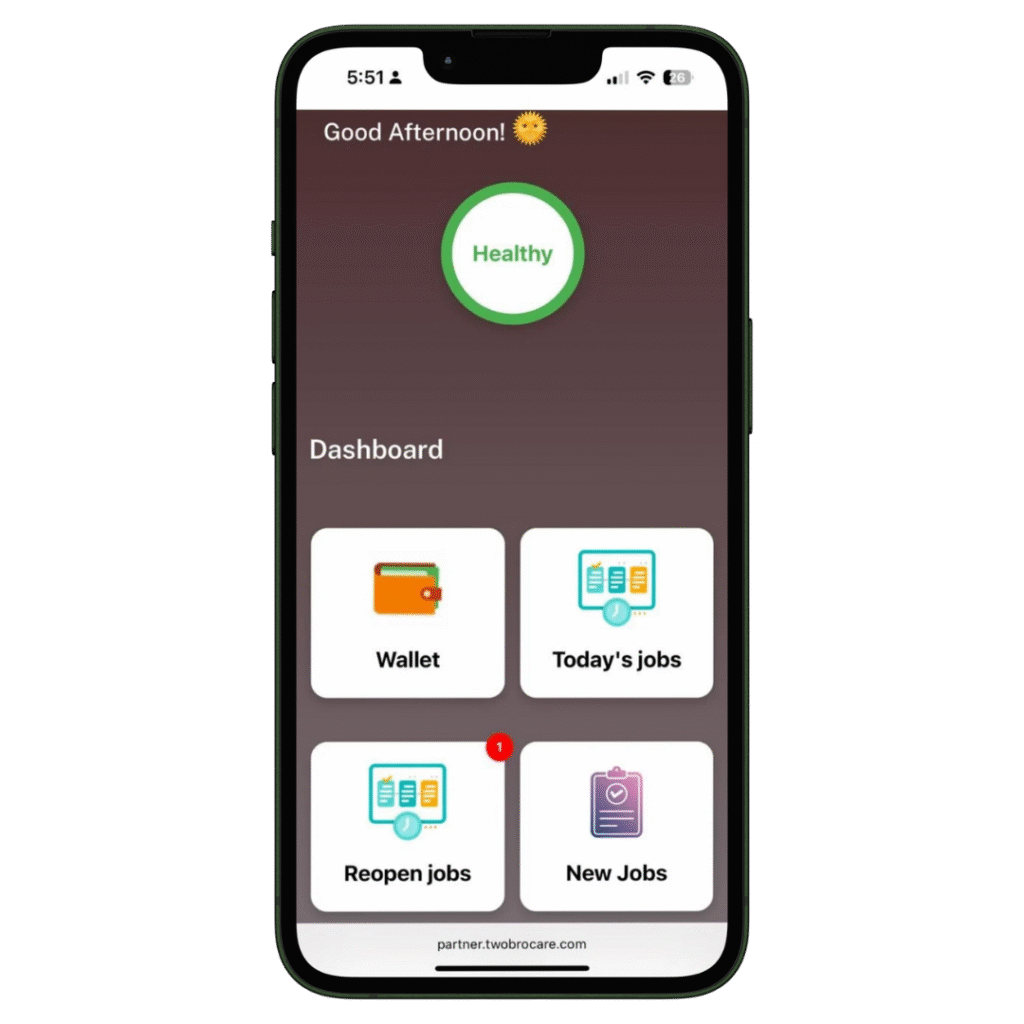
The job is scheduled for the Field Engineer.
The HVAC-trained field engineer immediately receives a notification that a new job has been assigned. With our HVAC software, you can also send automated messages to the customer regarding job initiation and completion. Additionally, clients can view the technician’s photo—an added feature that enhances home security.
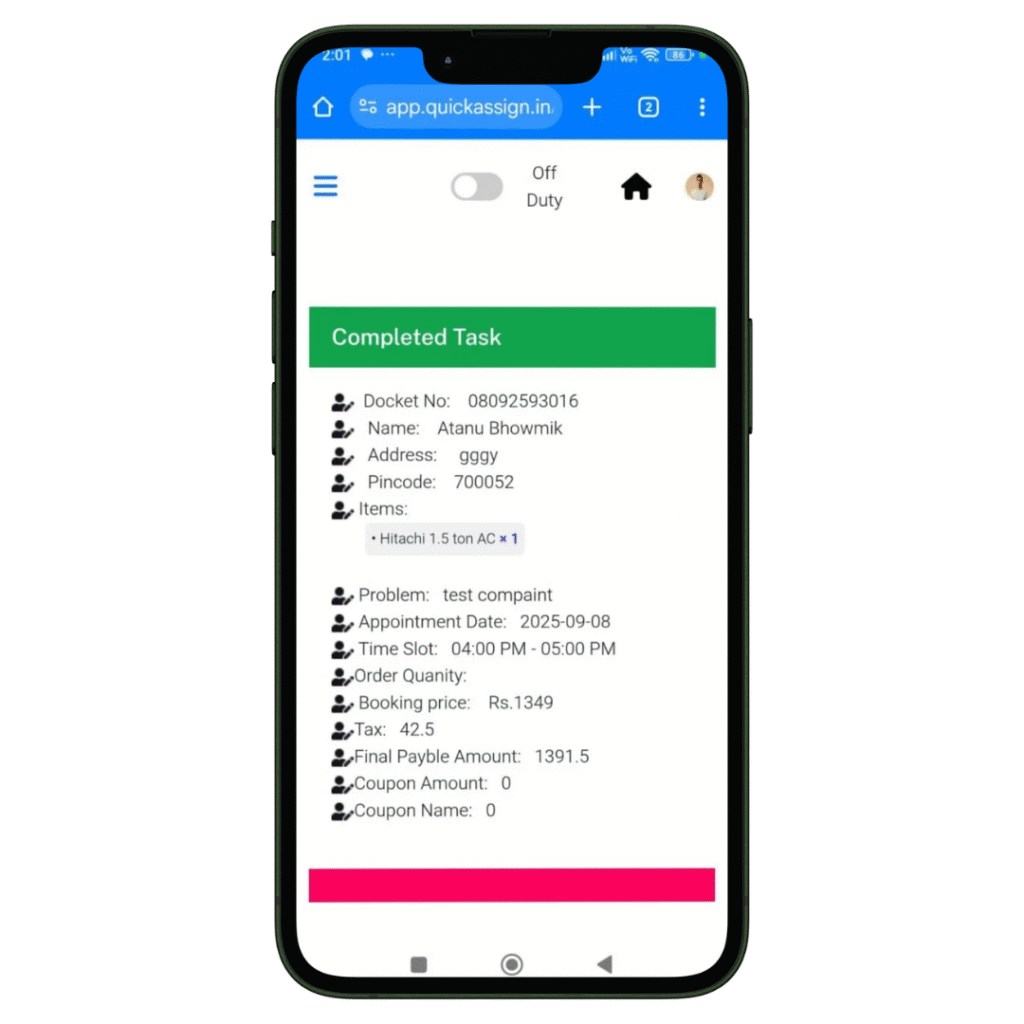
Complete Job

Your HVAC technician views the job details and completes them-

  • Access to all job details on site.
  • Record the photos of the machine or spare parts he installed or repaired.
  • Collect client sign-off for the work digitally which removes the paperwork completed.

Invoice

Your HVAC technician can then add labour charges and spare parts he changed, to produce an invoice.

  • Add spare parts with their updated prices.
  • Add the labour and service charges.
  • Construct a professionally branded invoice which will be updated in software automatically.
  • Provide the soft-copy of the invoice to the client via whatsapp.