
Appointment Scheduling
Technician Dispatch
Asset Management
Preventive Maintenance
Inventory Management
Billing and Invoicing

Service History Tracking
Reporting and Analytics
Mobile Accessibility
Customer Database
Contract Management
Data Security
Service Request Management
Compliance & Regulatory Reporting
Knowledge Base
Client Calls
A client calls requesting a new office close to their local area.
You have a new client seeking your service urgently—so why not reach out to them right away? By using our Facility & Property Management Service Software, you gain the advantage of supporting your clients at the time that suits them best.

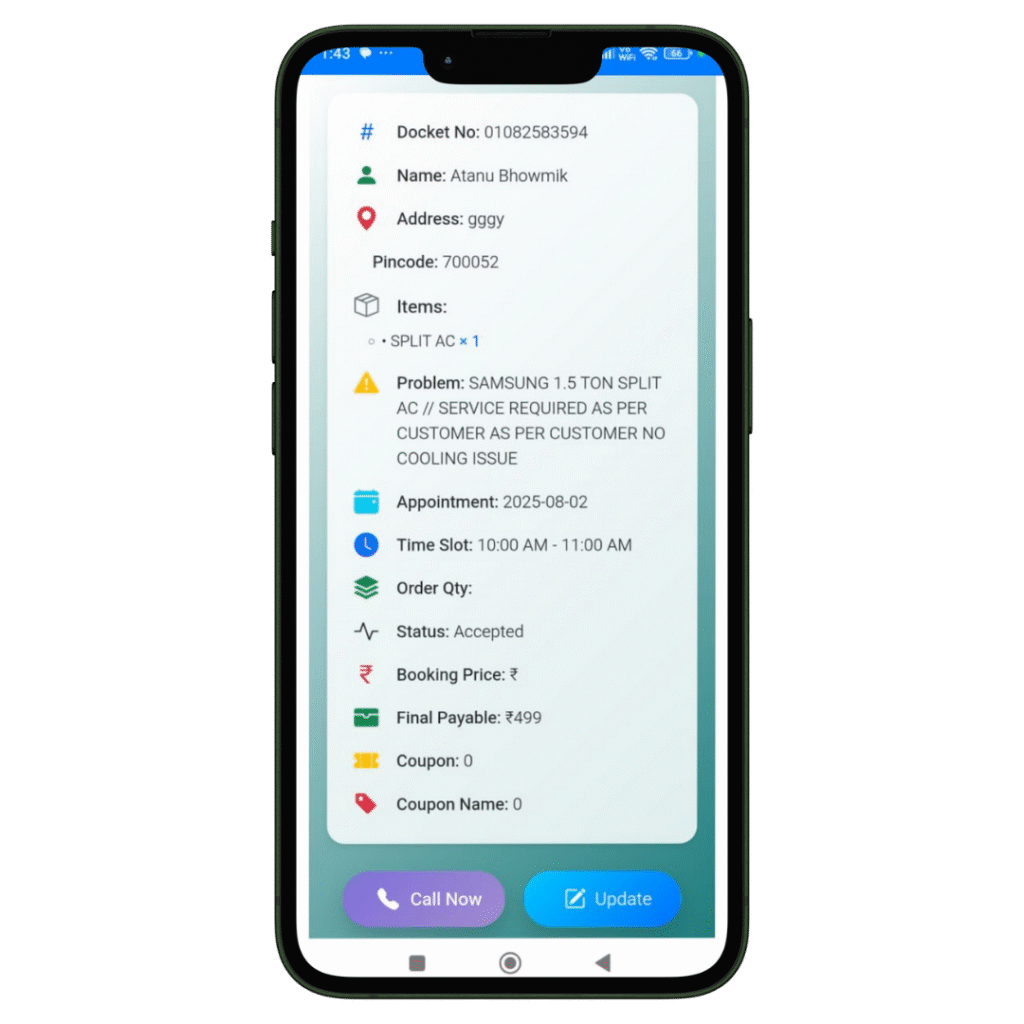
Job Created
The registration of the Job and Client details will be done in our software named Quick Assign Service CRM.
Rather than noting down Job and Client details in a bulky diary, you can enter the information directly into the software—making your work more dependable and environmentally friendly.
Scheduling
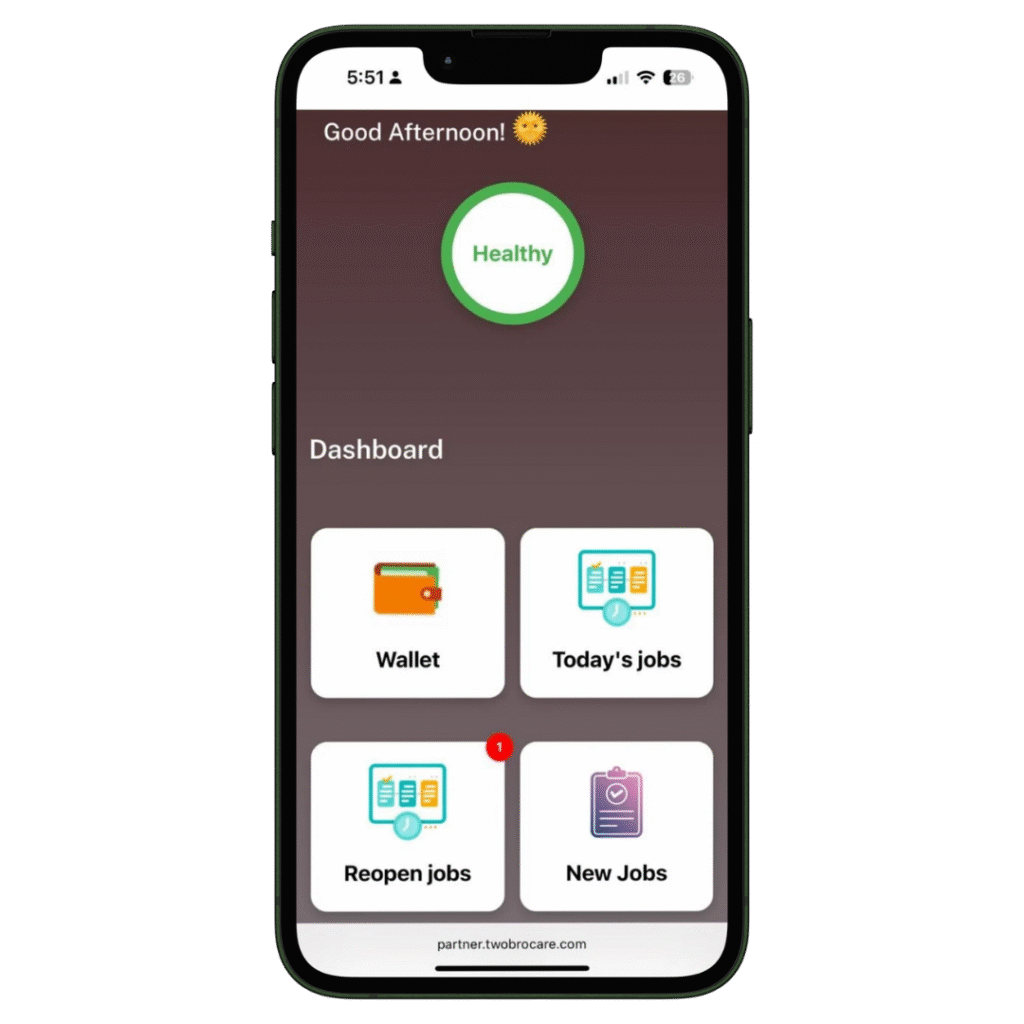
The job is scheduled for the Field Engineer.
The HVAC-trained field engineer immediately receives a notification that a new job has been assigned. With our HVAC software, you can also send automated messages to the customer regarding job initiation and completion. Additionally, clients can view the technician’s photo—an added feature that enhances home security.
Complete Job
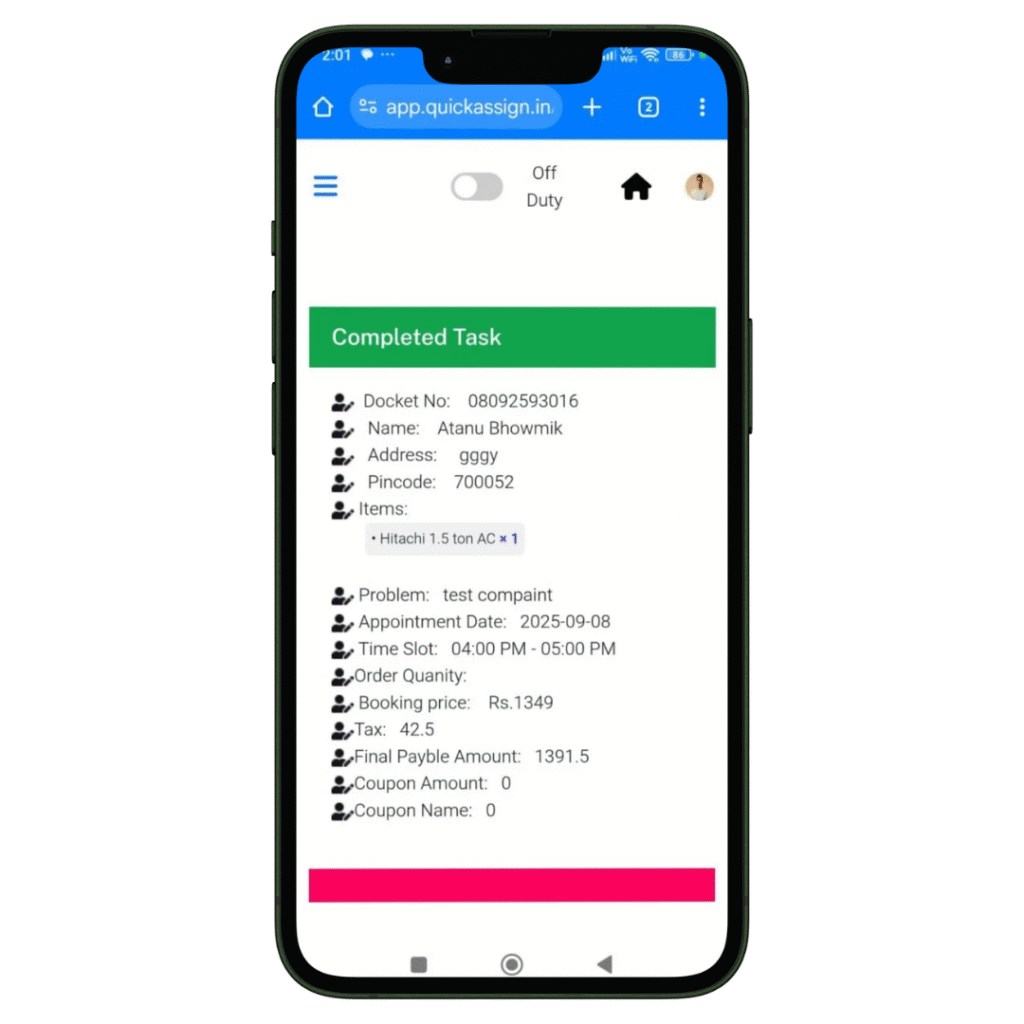
Your HVAC technician views the job details and completes them-
- Access to all job details on site.
- Record the photos of the machine or spare parts he installed or repaired.
- Collect client sign-off for the work digitally which removes the paperwork completed.
Invoice
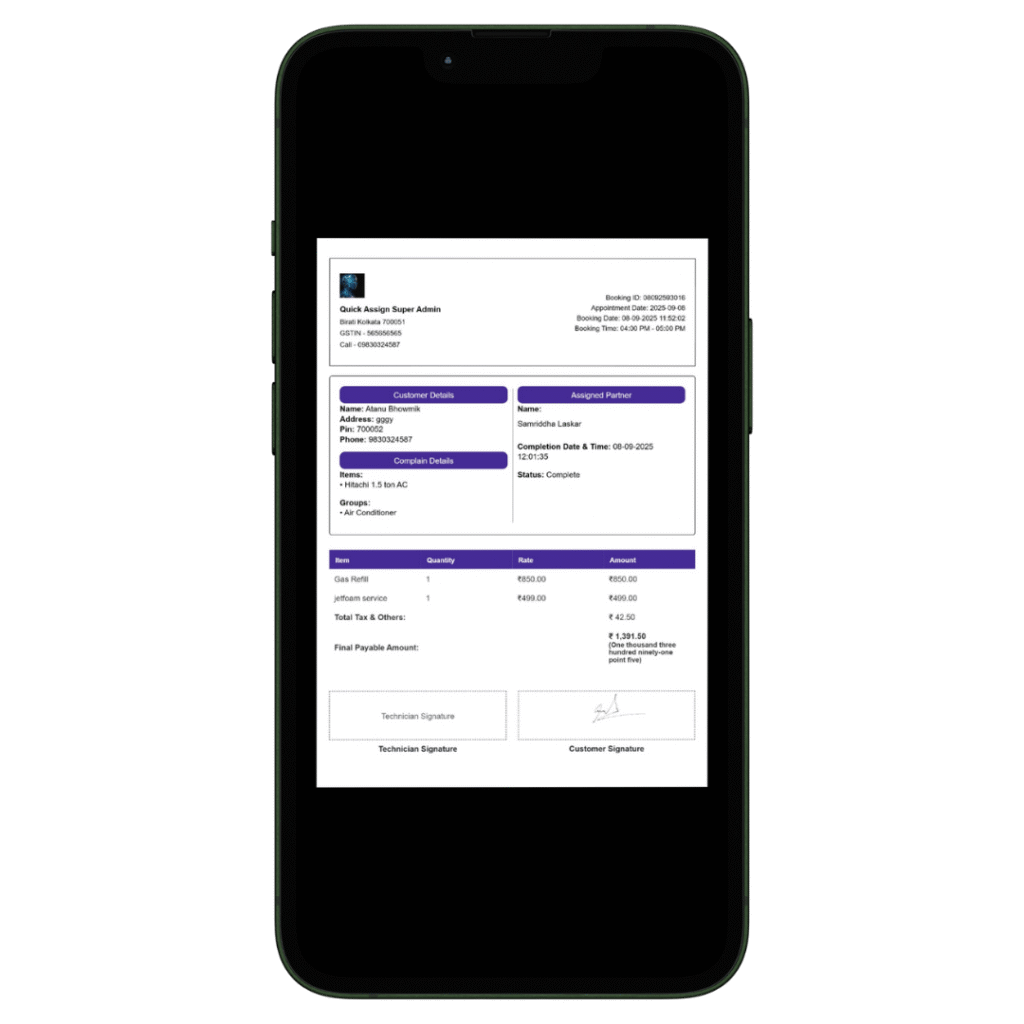
Your HVAC technician can then add labour charges and spare parts he changed, to produce an invoice.
- Add spare parts with their updated prices.
- Add the labour and service charges.
- Construct a professionally branded invoice which will be updated in software automatically.
- Provide the soft-copy of the invoice to the client via whatsapp.