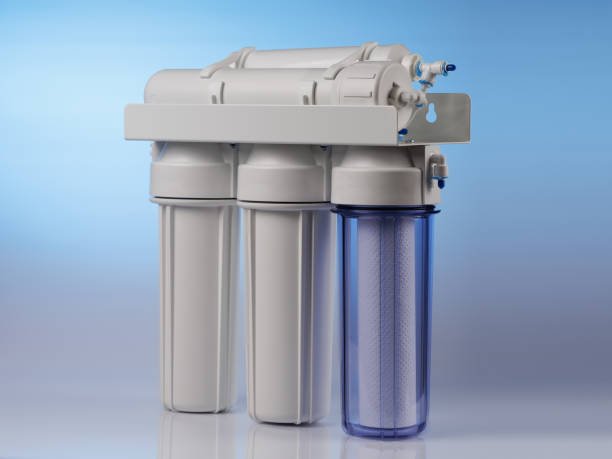

Take your Water Purifier business to the next level with - advanced RO Water Purifier Service Management Software!
Optimize your Water Filter services with our solution – Simplify your operations using RO Service Management Software
Water Purifier Service Software is rapidly gaining traction in the water purifier industry. It enables RO service providers to streamline customer management, automate AMC processes, and enhance overall customer satisfaction.
AMC Software for Water Purifiers serves multiple functions, including storing customer contact details, monitoring service requests, managing complaints, and offering real-time updates on pending RO services. Additionally, it supports report generation and provides insights into business performance.
Effectively handle RO water purifier operations using advanced software like Quick Assign Service CRM. Simplify service allocation, monitor AMC agreements, organize spare parts inventory, and boost customer service. Ensure timely upkeep and improve client satisfaction with RO Water Purifier Service Management Software – Quick Assign Service CRM.
Selecting the Ideal CRM Software for Water Purifier Service Providers: Streamline customer handling, AMC monitoring, and service scheduling with our feature-rich CRM tool. Automatically send alerts for filter replacements and scheduled maintenance. Easily track technician efficiency and service records. Boost productivity and improve customer experience through a smooth and organized system.
RO System Management Software simplifies the handling of RO and other water purification services. Using this RO CRM Software, businesses can effortlessly oversee technician activities and ensure consistent service quality. A top performer in the Water Purifier Service Software market, Quick Assign Service CRM brings together all critical service modules and integrates them with core business operations. Built specifically for the RO service sector, Quick Assign Service CRM empowers you to manage customer data efficiently and deliver superior service experiences.
Key Features of RO Water Purifier Service Software
RO (Reverse Osmosis) Water Purifier Service Software is built to simplify and optimize the handling of water purifier service and upkeep tasks. The main functionalities of this software include:

Appointment Scheduling

Technician Dispatch

Asset Management

Preventive Maintenance

Inventory Management

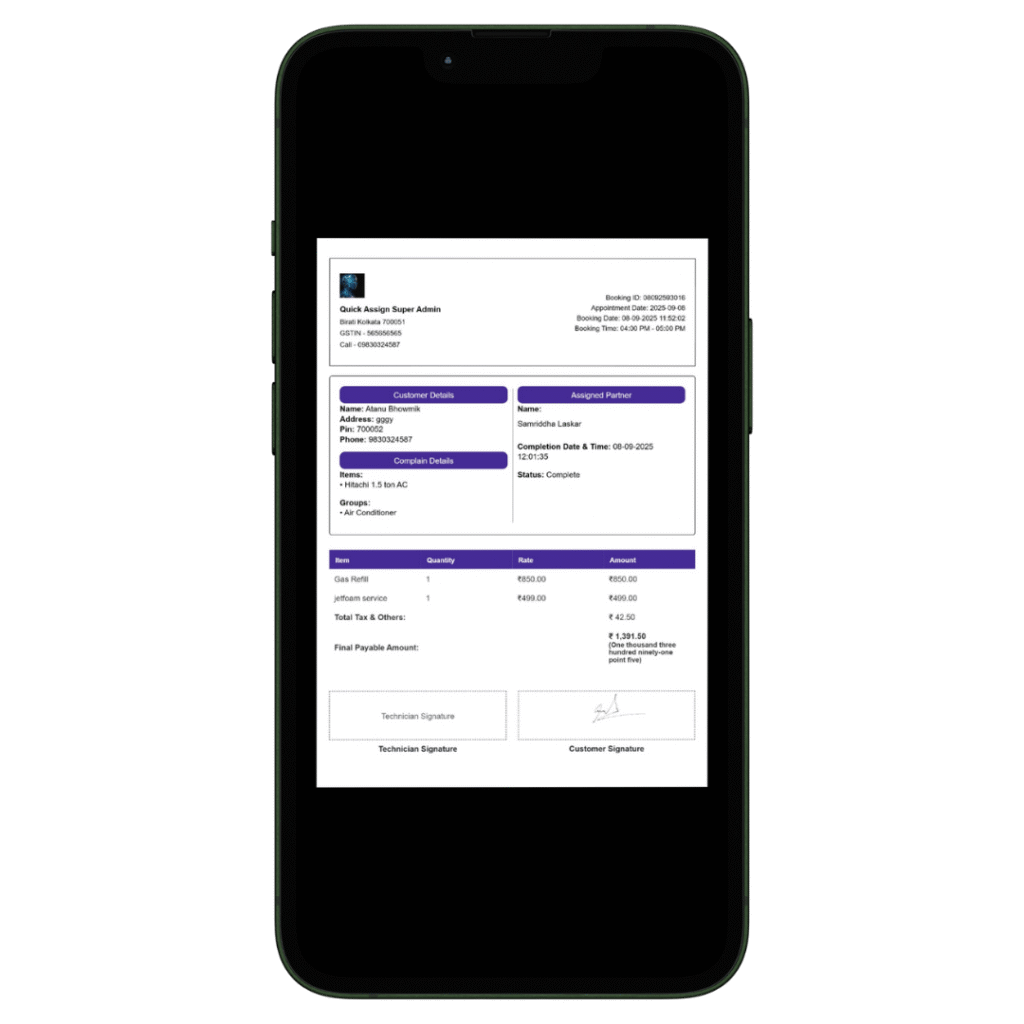
Billing and Invoicing
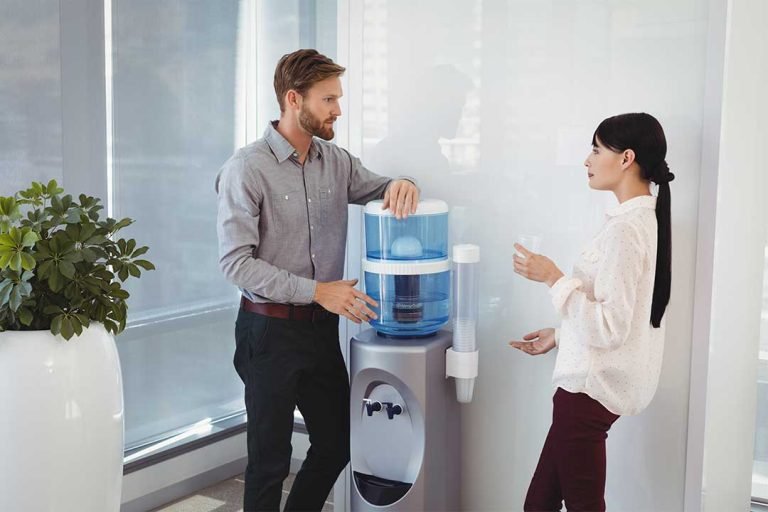
Quick Assign Service CRM, an advanced RO Water Purifier Service Software, enables service businesses to streamline their workflow, boost customer satisfaction, and deliver timely, reliable water purifier maintenance.
Looking for the ideal software to manage your water treatment services? You’ve found it. Quick Assign Service CRM is one of the top-rated RO service management apps & AMC Management Software for excellent customer service.
We offer cost-effective plumbing dispatch software (Service CRM) tailored to suit your business needs. Book a free demo today and discover how we can support your operations.

Service History Tracking

Reporting and Analytics

Mobile Accessibility

Customer Database

Contract Management

Data Security

Service Request Management

Compliance & Regulatory Reporting

Knowledge Base
How Quick Assign Service CRM Works?

Client Calls
A customer contacts us requesting a replacement for their ventilation unit!
A client has reached out for immediate help—connect instantly! Using our Water Purifier Service Software, you can serve your clients when it suits them best.

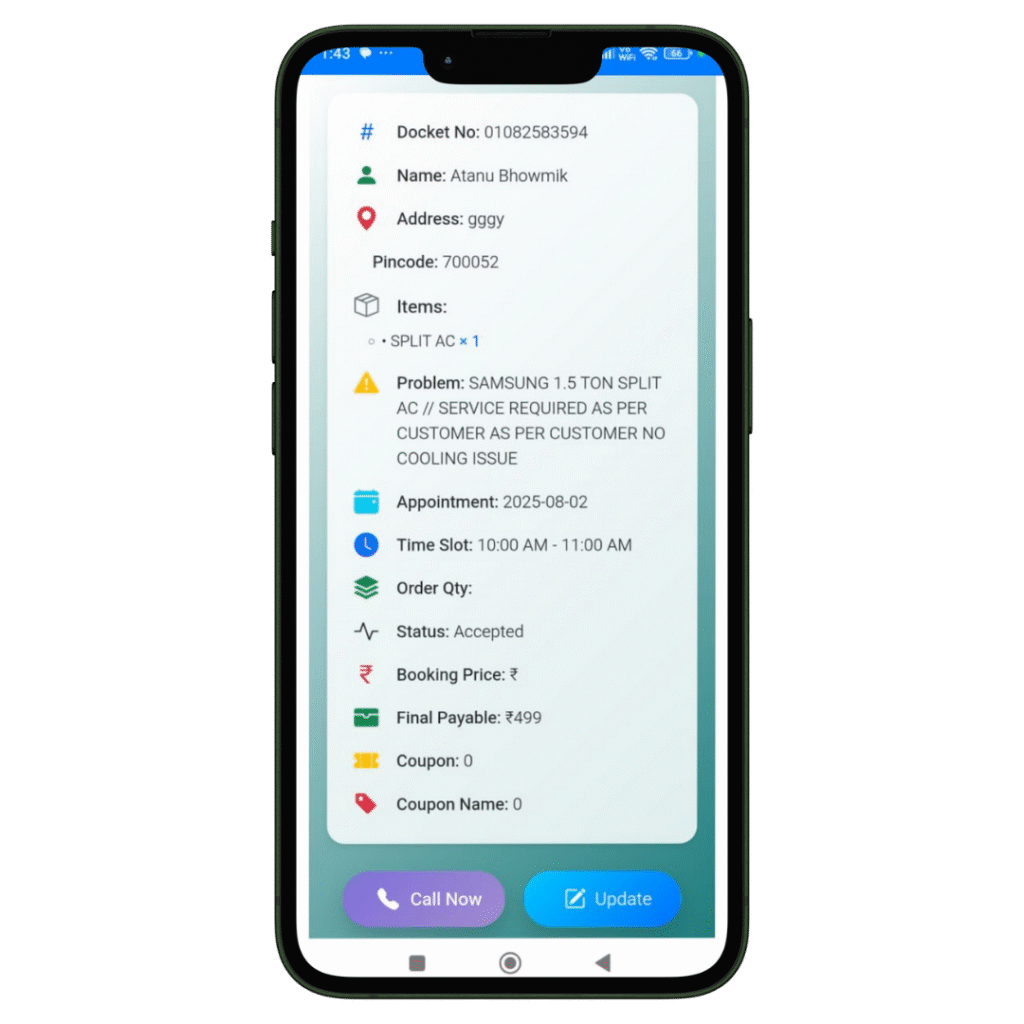
Job Created
The registration of the Job and Client details will be done in our software named Quick Assign Service CRM. Rather than noting down Job and Client details in a bulky diary, you can enter the information directly into the software—making your work more dependable and environmentally friendly.

Scheduling
The job is scheduled for the Field Engineer. The HVAC-trained field engineer immediately receives a notification that a new job has been assigned. With our HVAC software, you can also send automated messages to the customer regarding job initiation and completion. Additionally, clients can view the technician’s photo—an added feature that enhances home security.
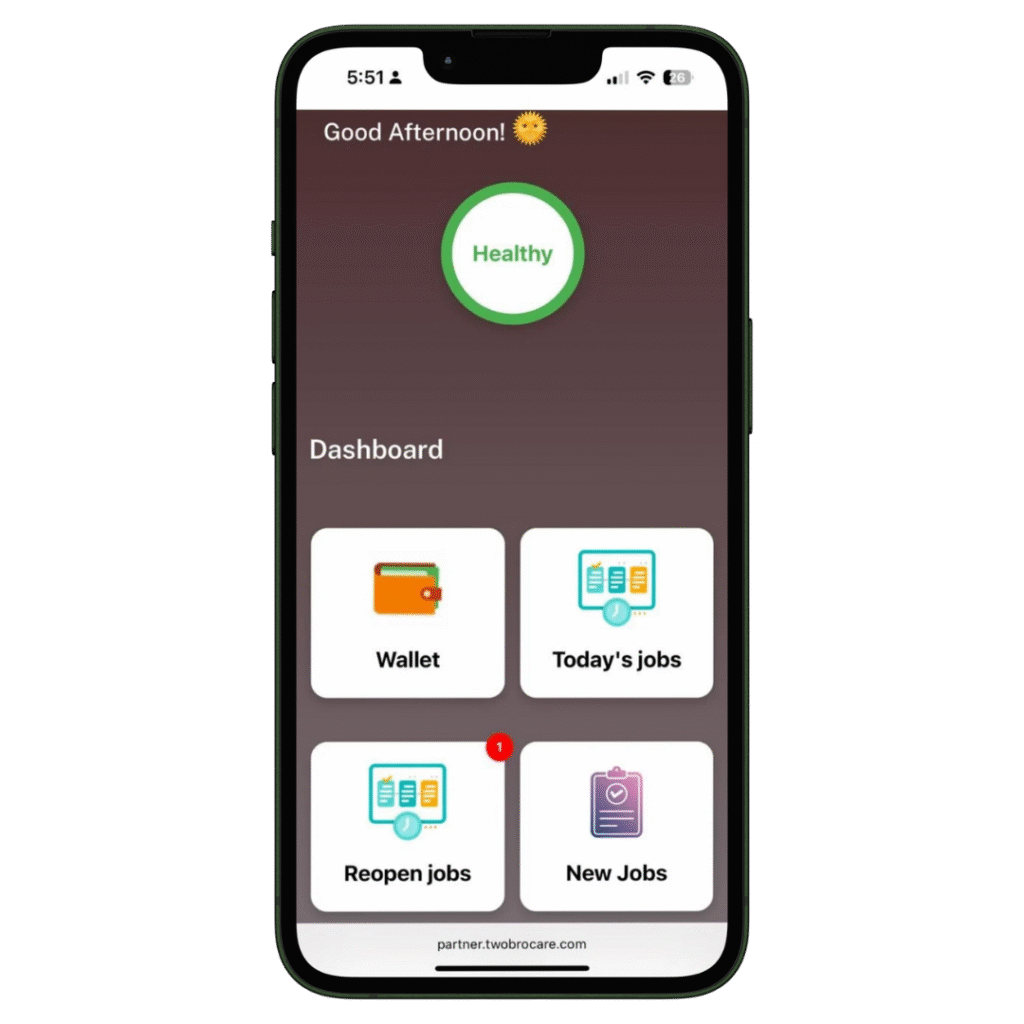
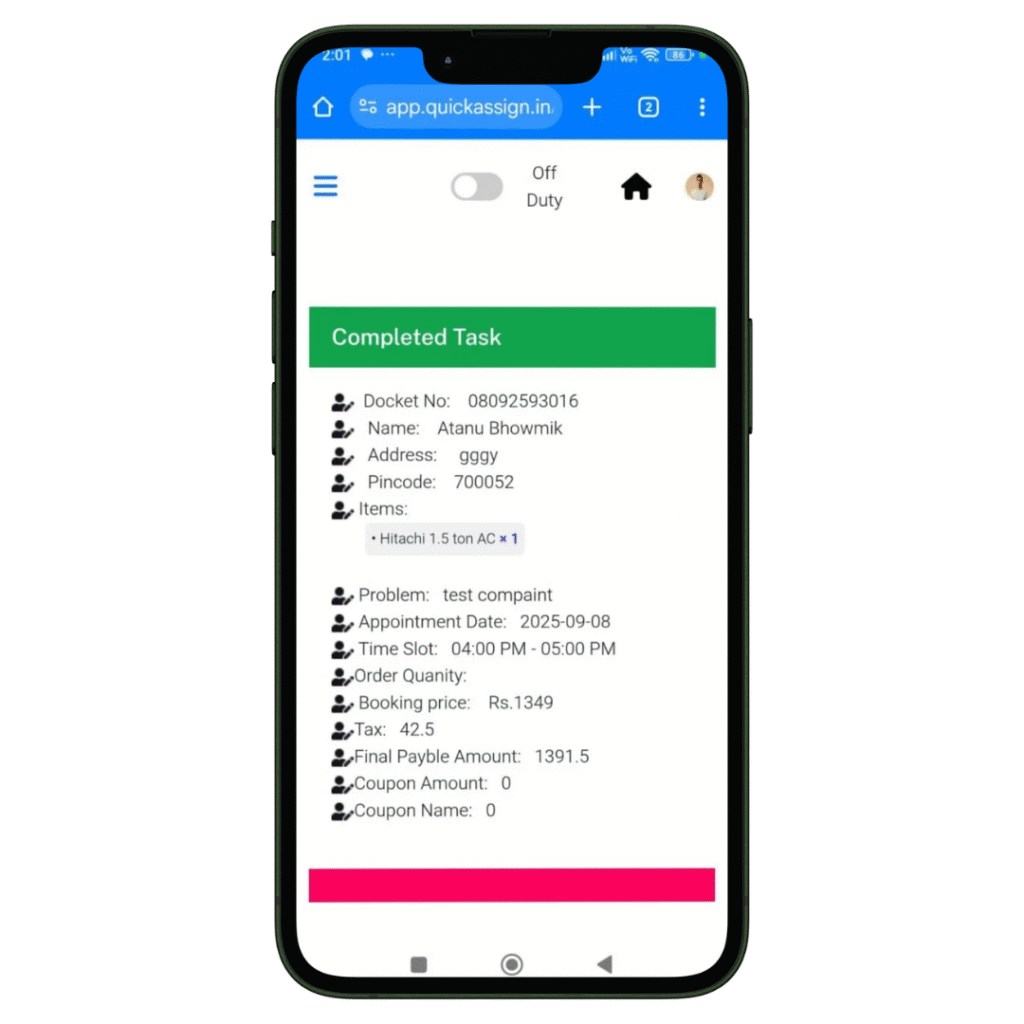
Complete Job
Your HVAC technician views the job details and completes them-
- Access to all job details on site.
- Record the photos of the machine or spare parts he installed or repaired.
- Collect client sign-off for the work digitally which removes the paperwork completed.

Invoice
Your HVAC technician can then add labour charges and spare parts he changed, to produce an invoice.
- Add spare parts with their updated prices.
- Add the labour and service charges.
- Construct a professionally branded invoice which will be updated in software automatically.
- Provide the soft-copy of the invoice to the client via whatsapp.